
Additional Security
for WHMCS
A robust fraud-prevention and access-control add-on that shields your WHMCS installation from spam accounts, fake registrations, and fraudulent orders. Give your team granular control over user access with advanced verification and flagging systems.
Core Features
Everything you need to protect your WHMCS installation from fraud and abuse.
Mandatory Email Verification Shield
Completely restricts access to the WHMCS client area until users verify their email address. Eliminates fake registrations, ensures you can contact customers, and stops bots from spamming order forms or tickets. Unverified users see a customizable verification screen with a simple "Resend Verification Email" option.
Granular Account Control
Manually change security states: Verified, Unverified, Bypassed (trusted users), Blocked (locked out), or Suspected (flagged for review). The ultimate kill-switch for bad actors without losing historical data.
Duplicate Account Detection
Automatically monitors and flags users creating multiple accounts. Stops abuse of promotions, free trials, or ban circumvention attempts by detecting similar registration patterns and IP footprints.
Advanced IP Tracking
Detailed login and IP history tracking helps spot compromised accounts (e.g., sudden logins from unusual countries) and identify abuse patterns from specific IP ranges.
Security Dashboard
Modern widget-style overview in WHMCS Admin area showing real-time stats: verified vs. unverified clients, suspected/blocked accounts, and recent login activity. Security health at a glance.
Customizable Messaging
Define exact messaging shown to users when blocked or requiring verification. Maintain your brand voice whether friendly, strict, or informative. Customize the verification page text, blocked account notices, and suspected account warnings — all from the module configuration screen with no code changes required.
How It Works
Seamless integration with your existing WHMCS installation.
Upload & Activate
Simple installation process - upload module files and activate via WHMCS admin panel.
Configure Settings
Customize verification messages, security thresholds, and access control rules from the admin dashboard.
Monitor Activity
Track user verification status, login patterns, and security events from the centralized dashboard.
Take Action
Flag, block, or bypass users as needed. Full control over who can access your WHMCS client area.
See It In Action
Real screenshots from the module running in production on WHMCS 9.
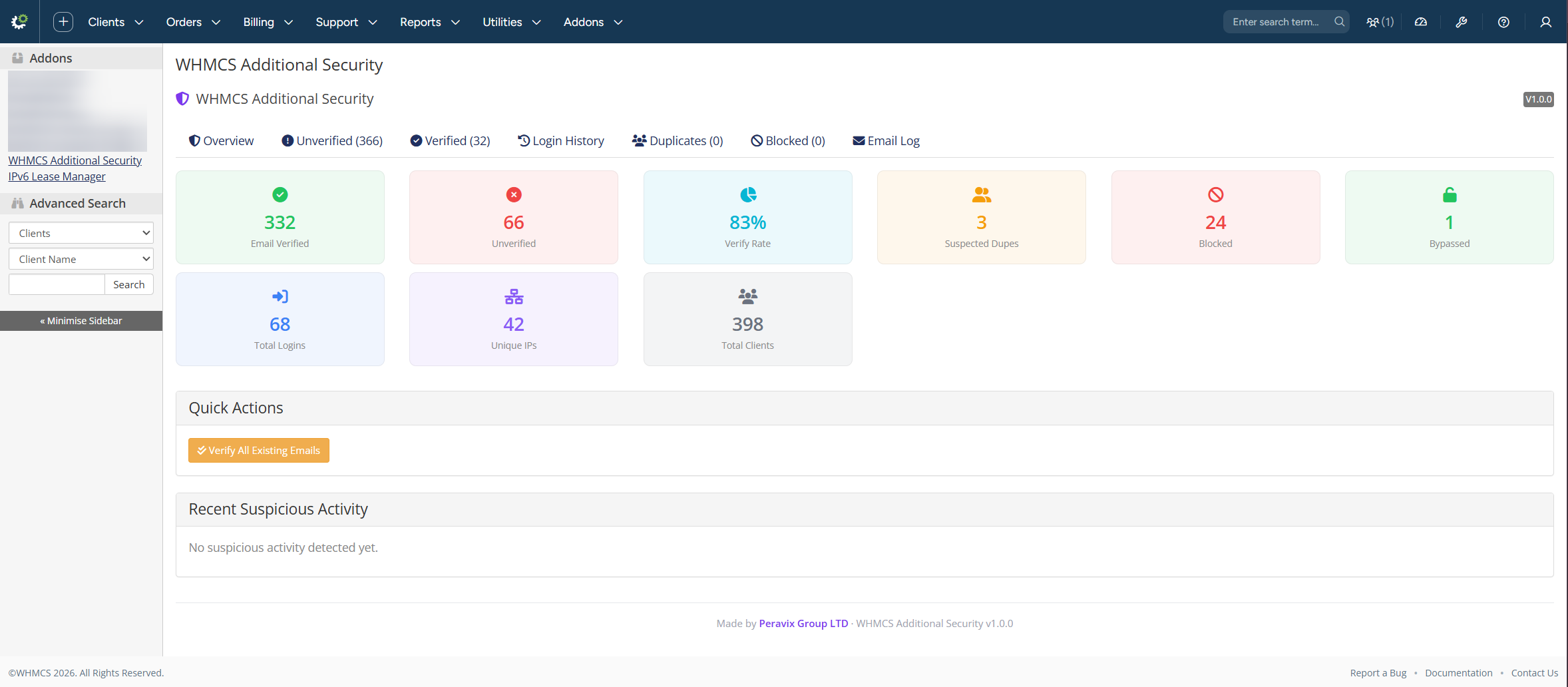
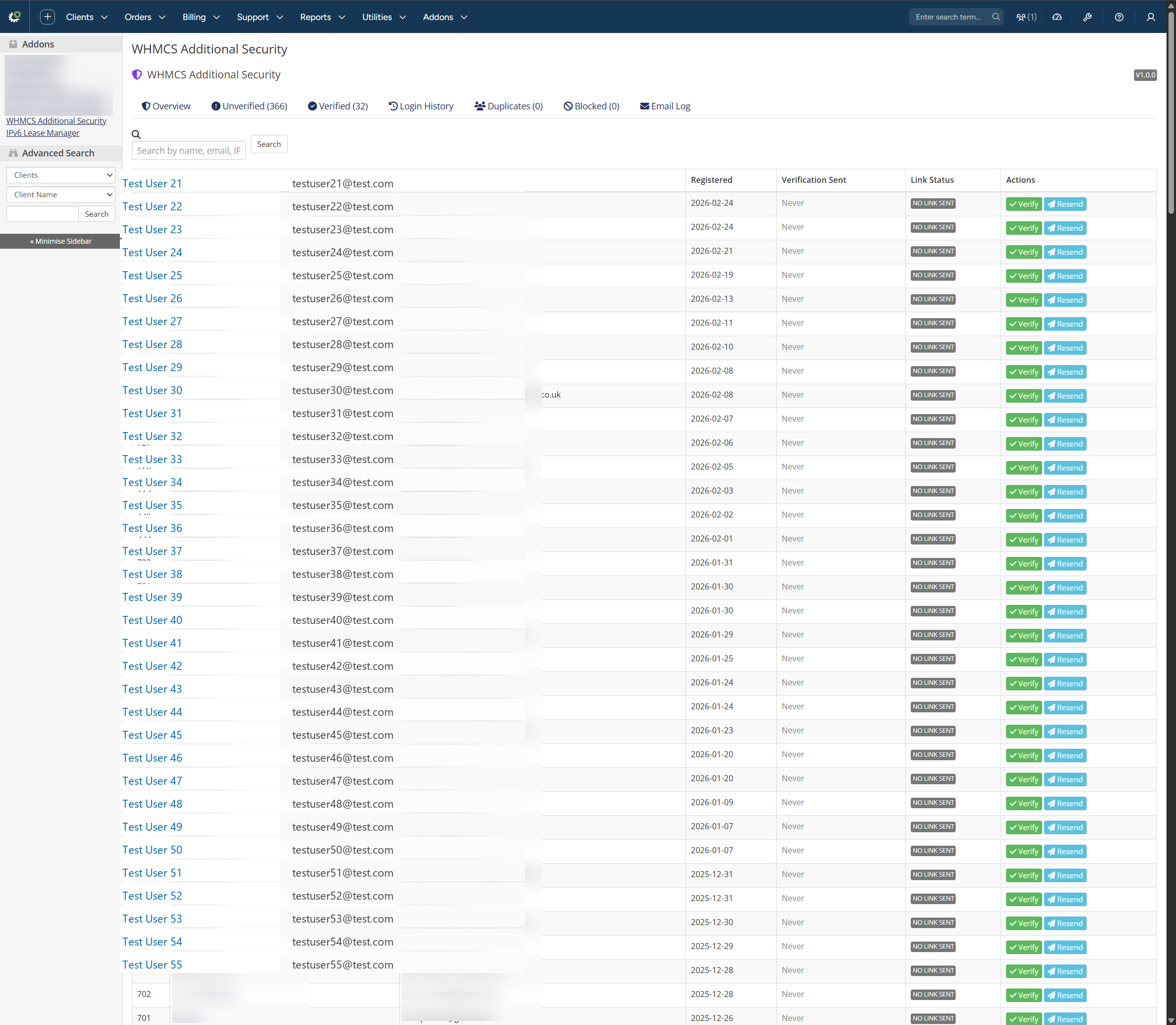
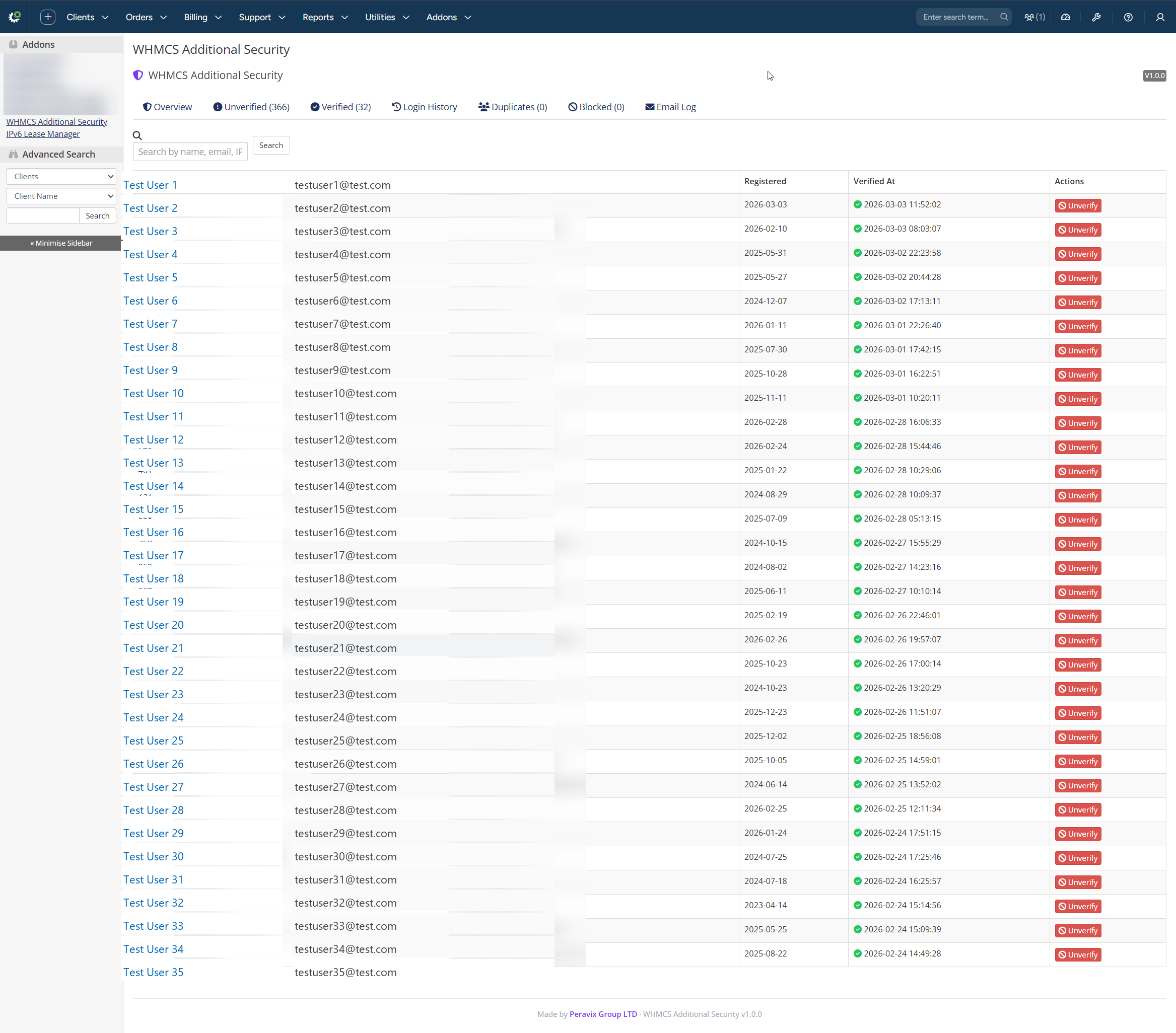

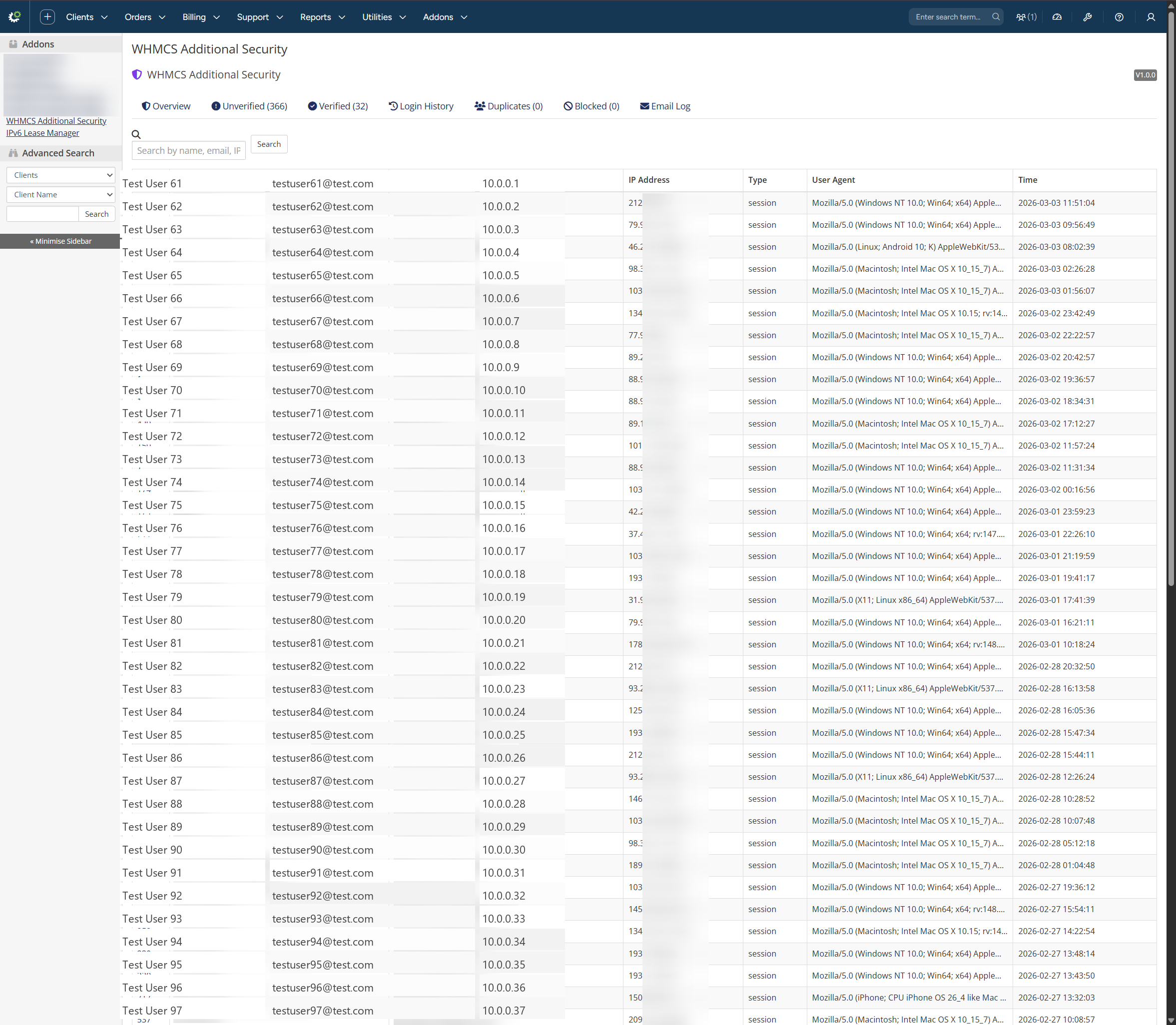
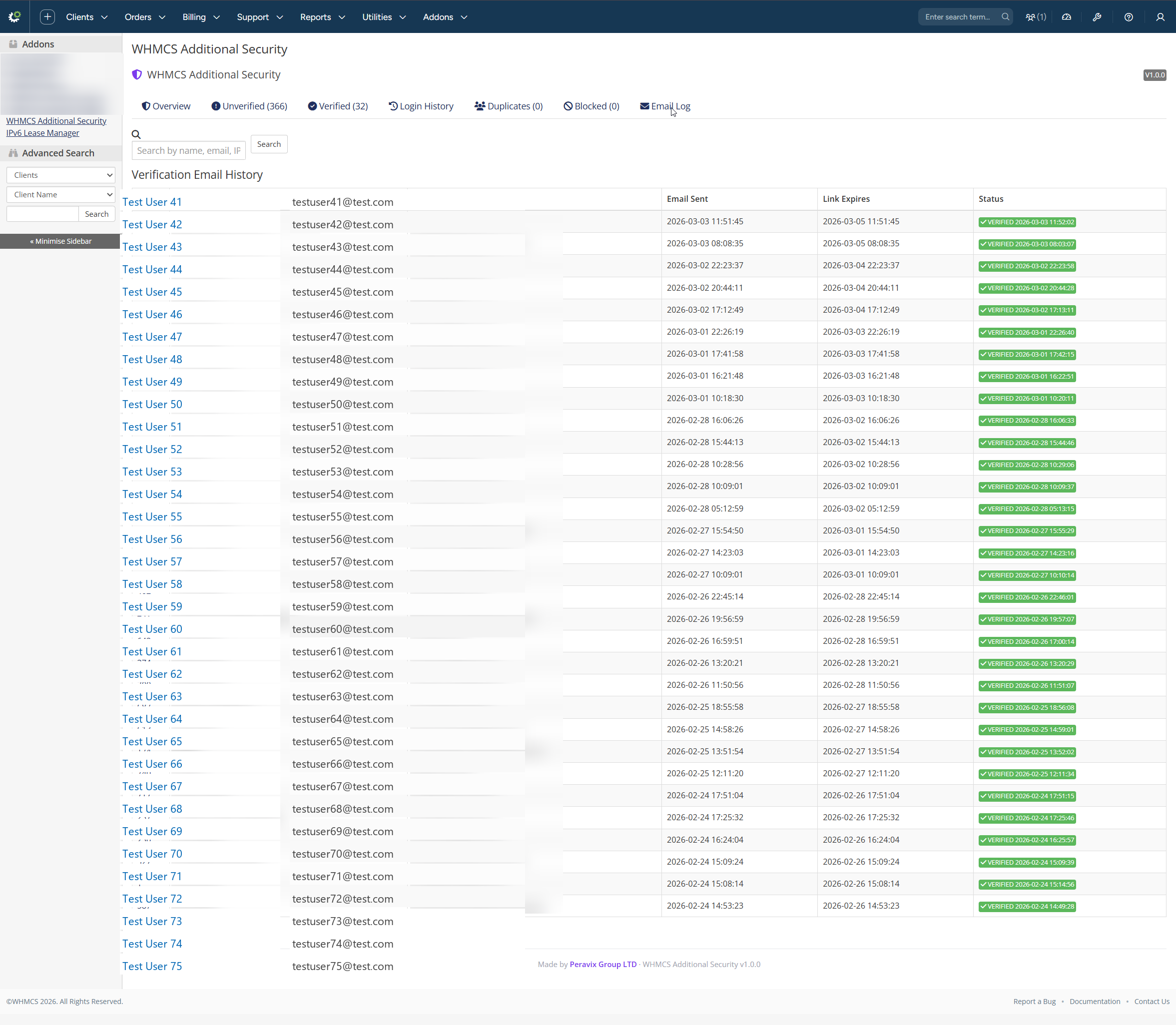
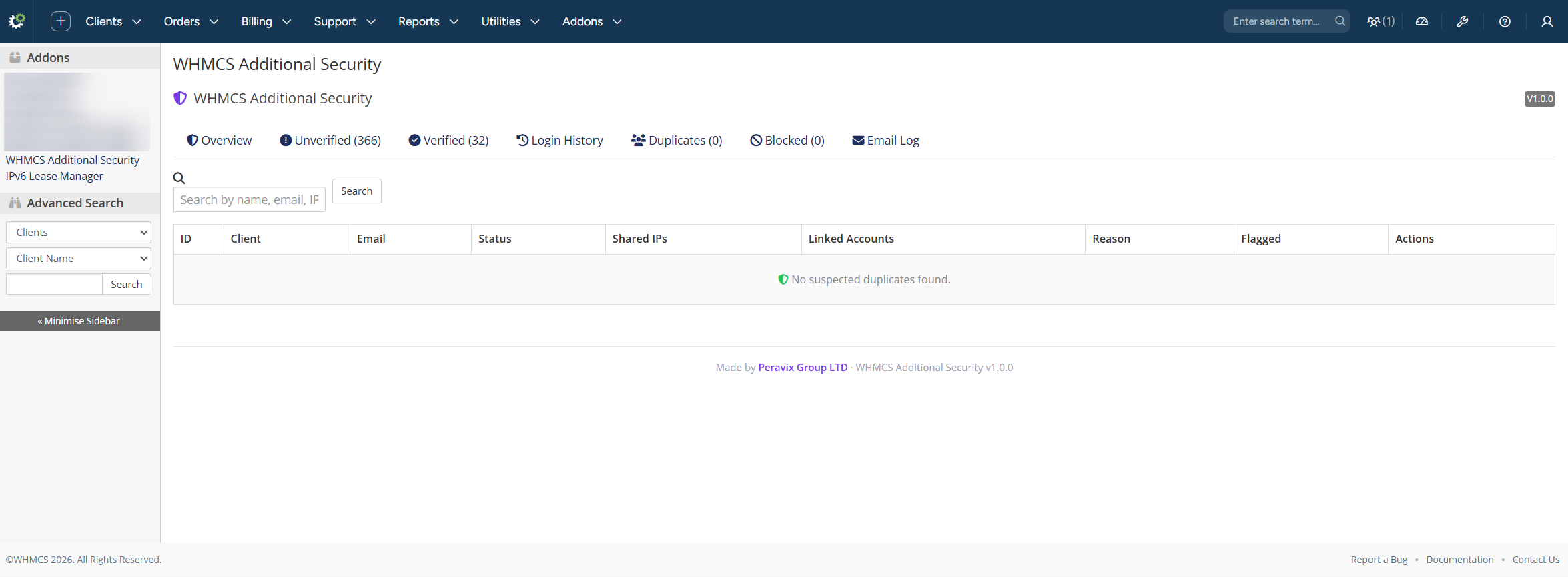
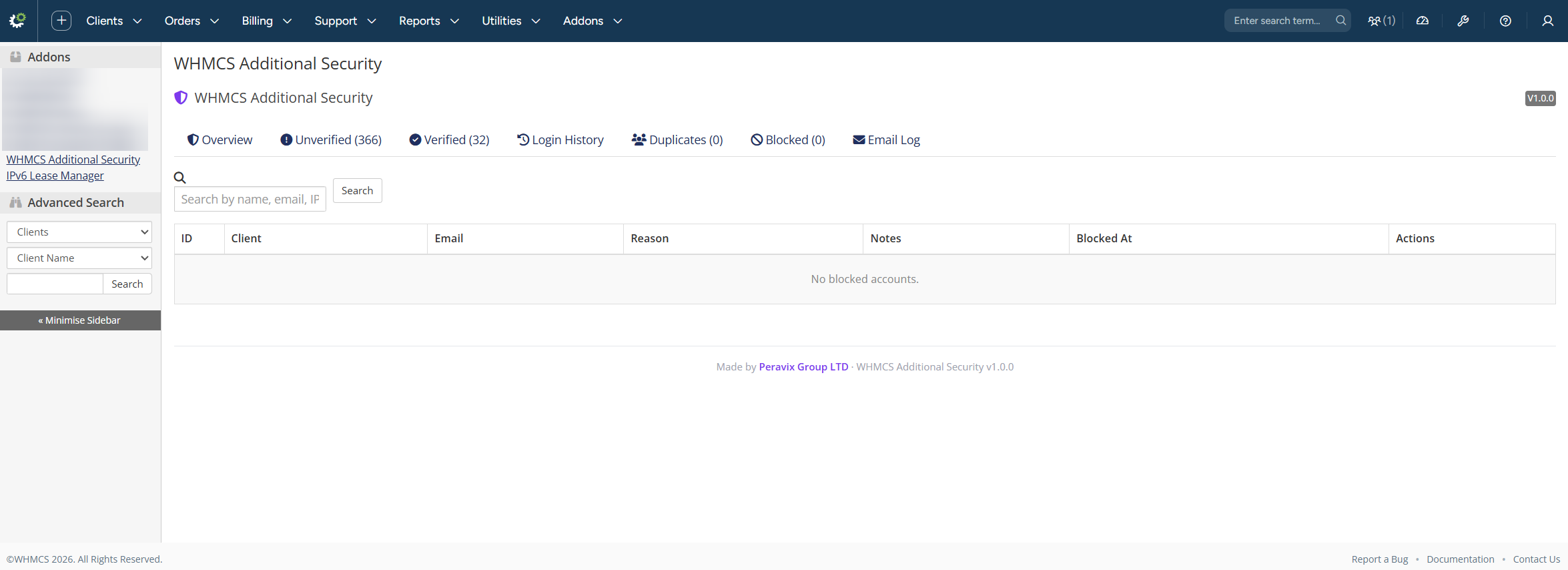
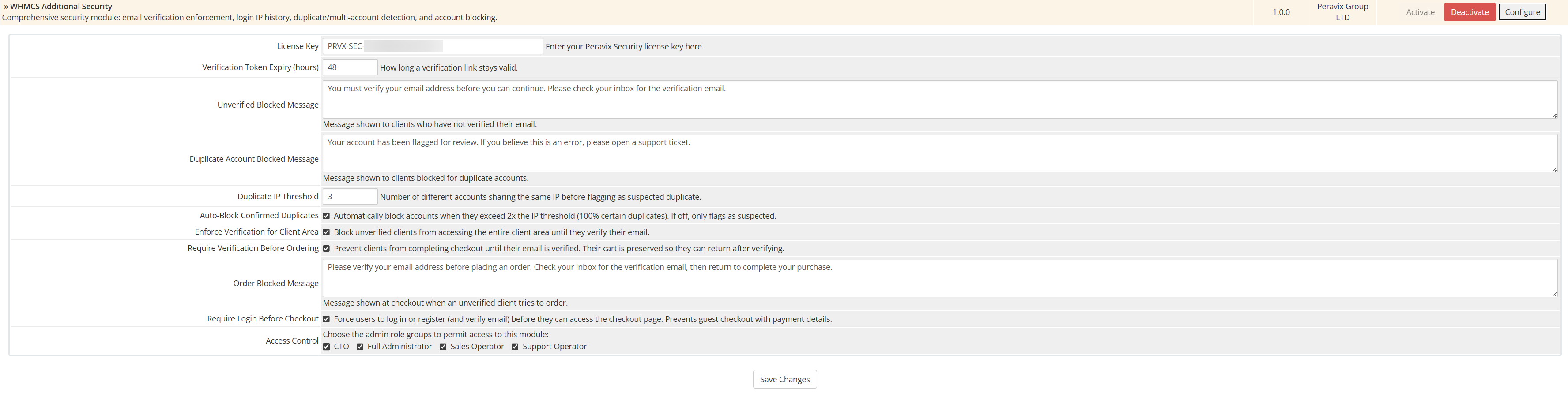

All personal data shown in screenshots has been censored or replaced with fake information for security purposes.
Technical Specifications
Built with modern standards and security best practices.
Requirements
- WHMCS 9.0+
- PHP 8.3 or 8.4
- IonCube Loader
- MySQL/MariaDB
Performance
Lightweight database queries via WHMCS's native Capsule ORM ensure minimal impact on client area load times. Optimized for high-traffic installations.
Security
Distributed as IonCube-encoded files to protect proprietary security algorithms. Uses native WHMCS hook points for seamless integration without core modifications.
Licensing
Smart license system auto-locks to your domain. Self-reissue licenses instantly via client area if you migrate to a new domain - no support ticket needed.
Download & Support
Free download with lifetime updates and dedicated support.
WHMCS Additional Security
Complete fraud prevention and access control for your WHMCS installation.
- Lifetime Updates
- 24/7 Technical Support
- Installation Documentation
- Video Tutorials
- Self-Service License Management
- Developer Support via Tickets