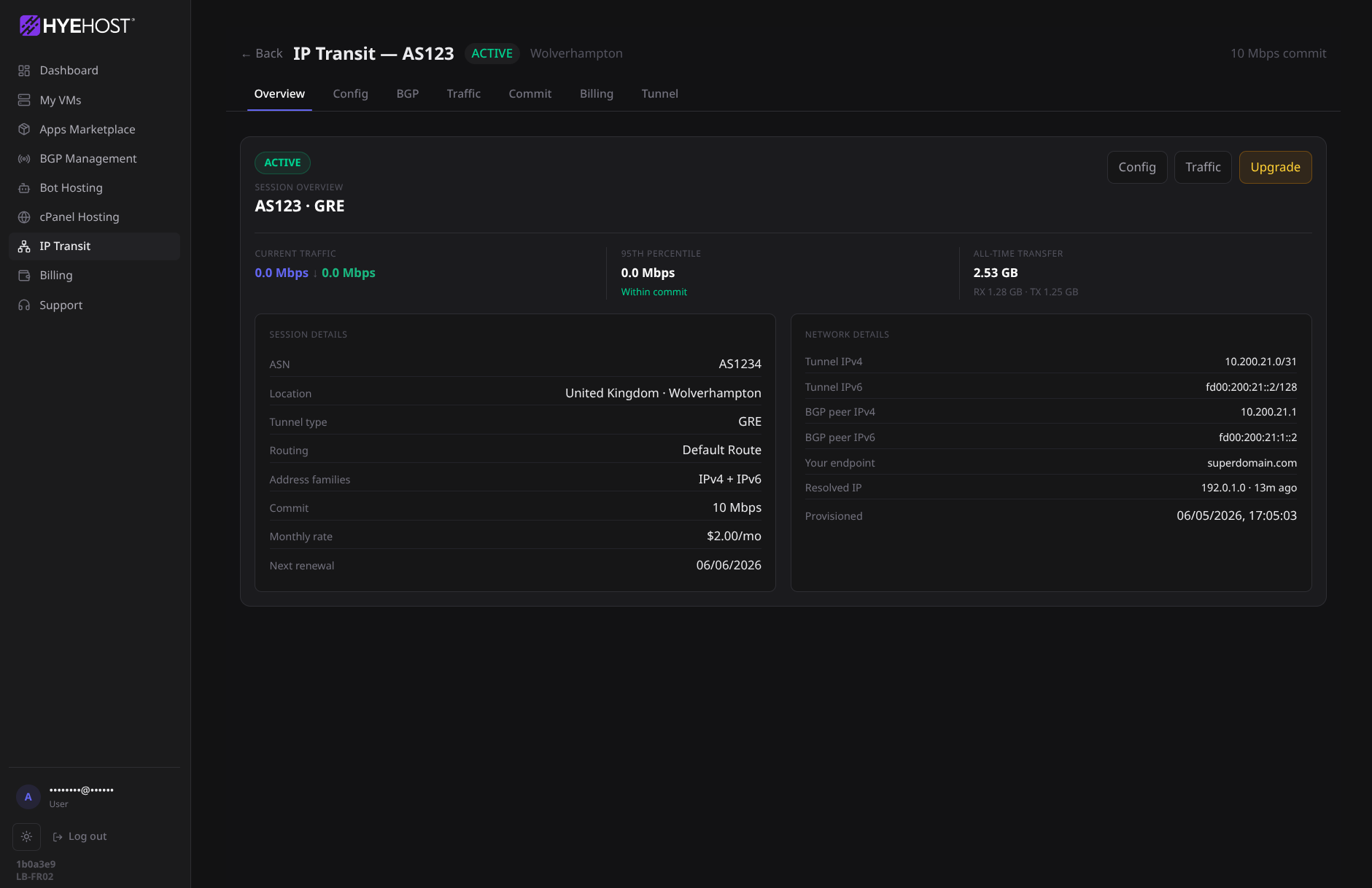
Transit
BGP and transit via tunnel
Order transit, choose delivery and manage the service from the panel.
Explore IP Transit
Deploy compute, control dedicated hardware, automate BGP and tunnels, manage IP space, install apps and handle billing from one account.
The dashboard brings compute, hosting, network services, invoices and support into one account. See what is running, what needs attention and where to go next without switching portals.
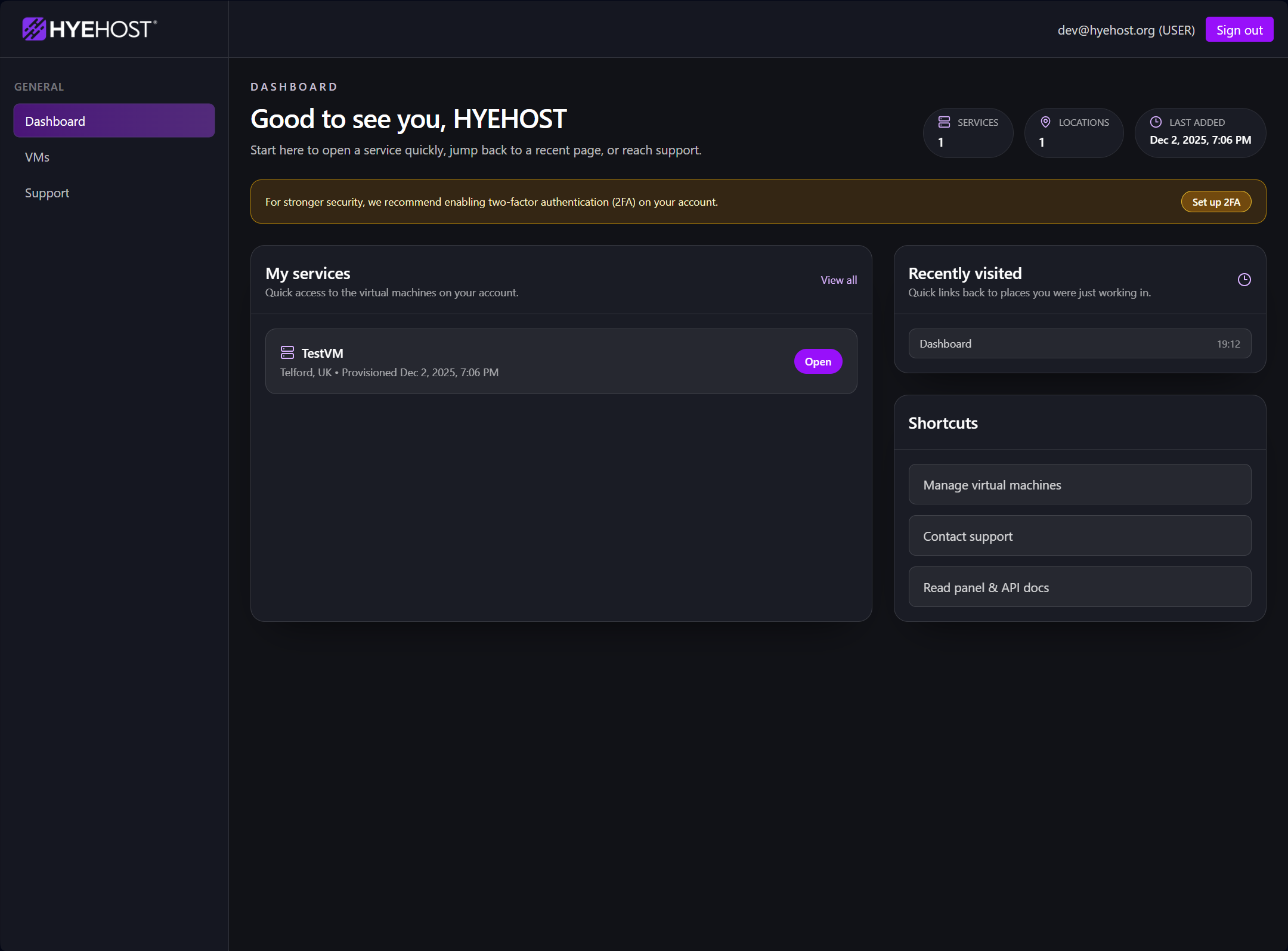
Order, provision and manage infrastructure from the same interface, whether it runs on a virtual machine, dedicated hardware, our network or the web-hosting platform.
The same control plane used for servers also provisions network products. Configure delivery, inspect assignments and manage ongoing service details without waiting for manual portal updates.
Order transit, choose delivery and manage the service from the panel.
Explore IP Transit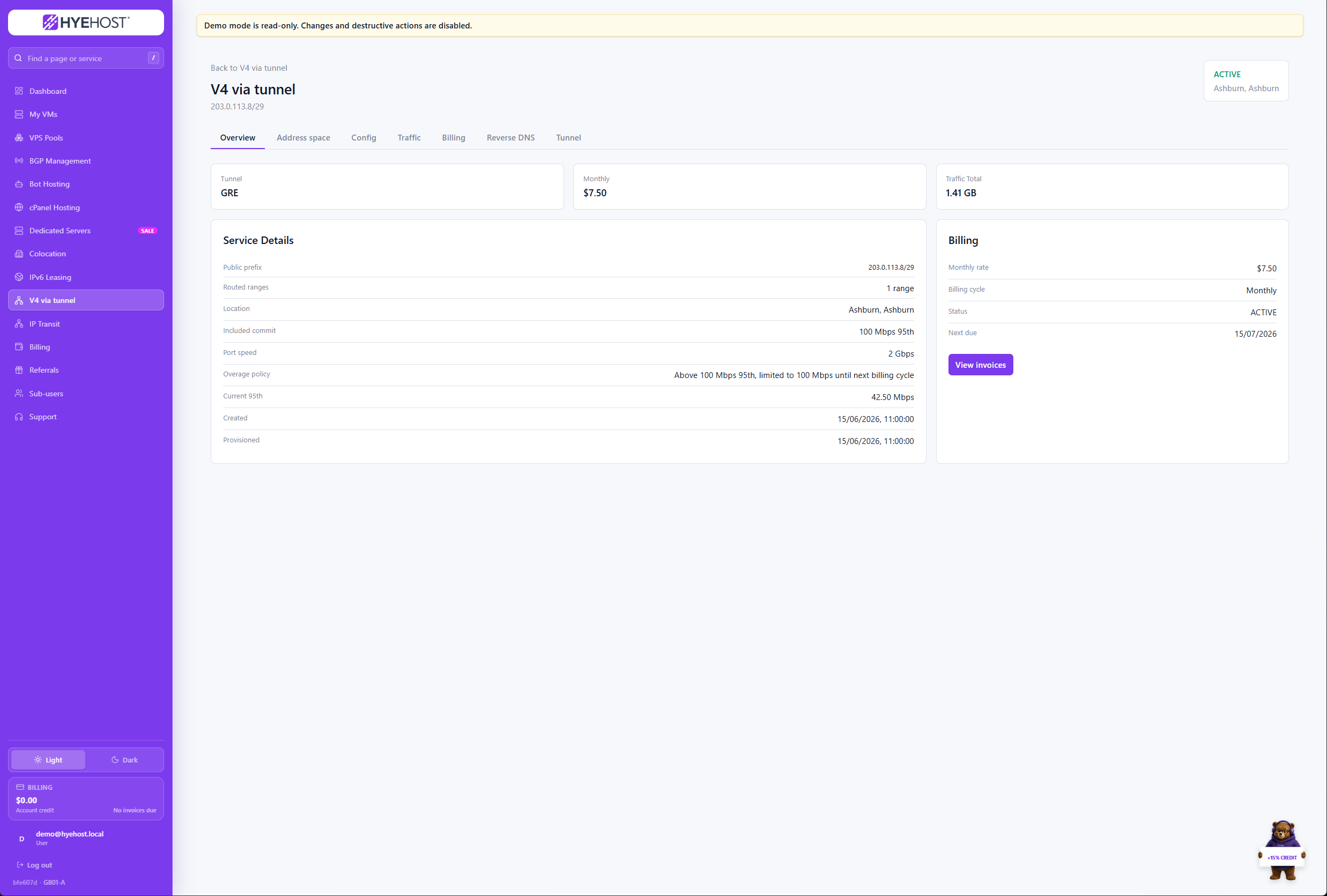
Configure routed IPv4 delivery and tunnel endpoints.
Explore IPv4 Tunnels Explore IPv6 Tunnels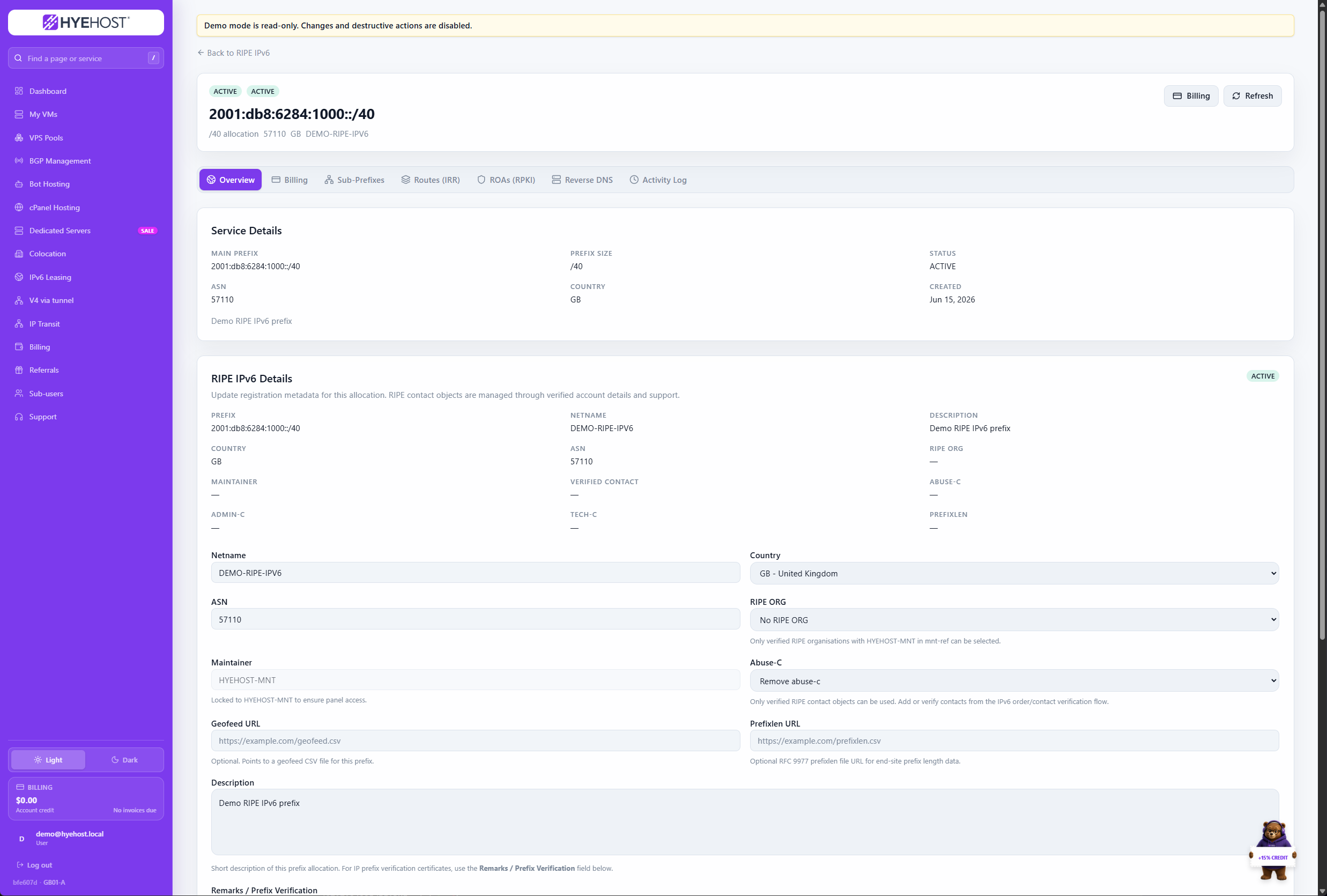
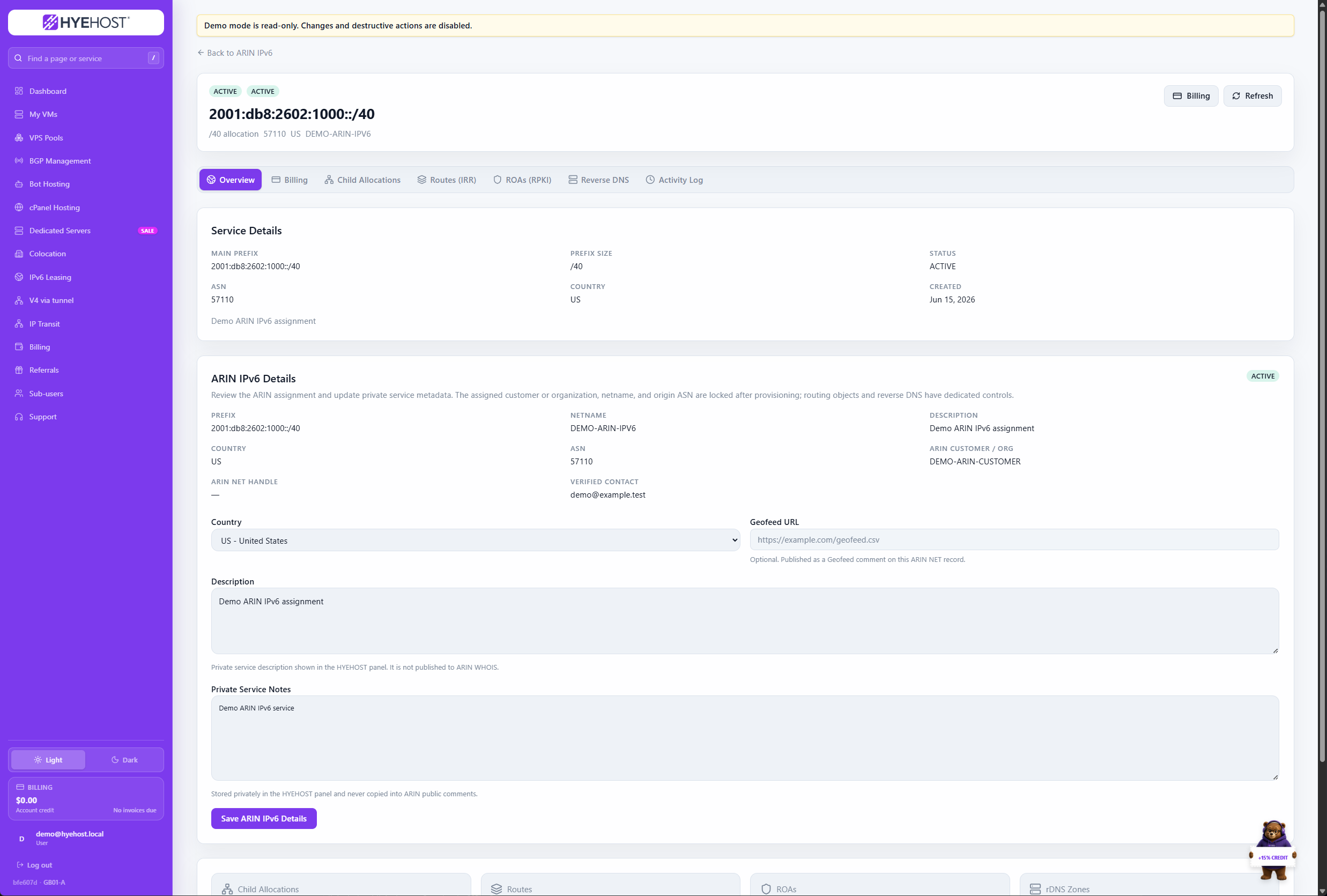
Use the panel for daily VM operations, dedicated-server access and colocation service details, with billing and support attached to the same account.
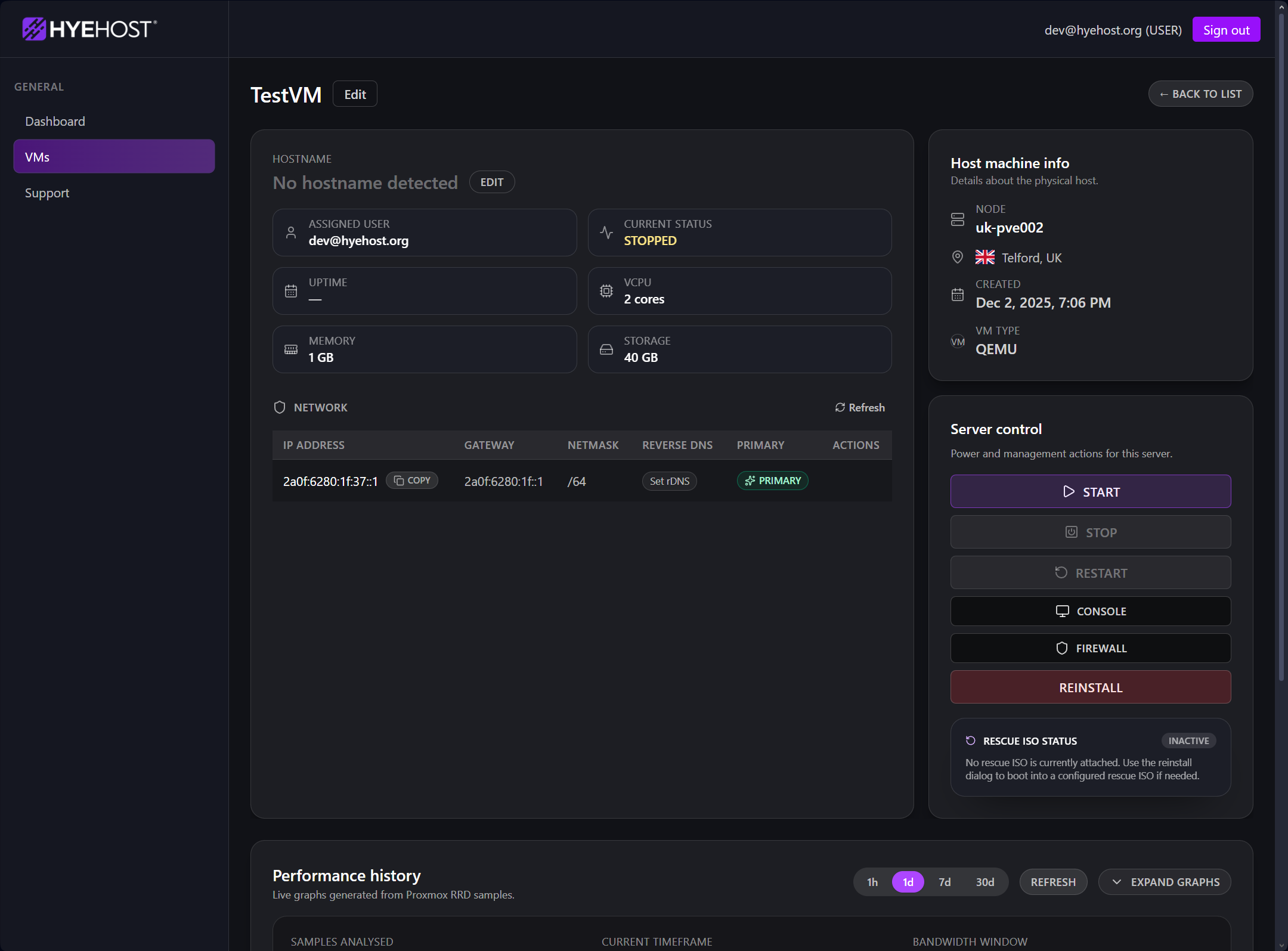
Manage power, console access, networking, firewall rules, backups and service activity.
Explore Cloud VPS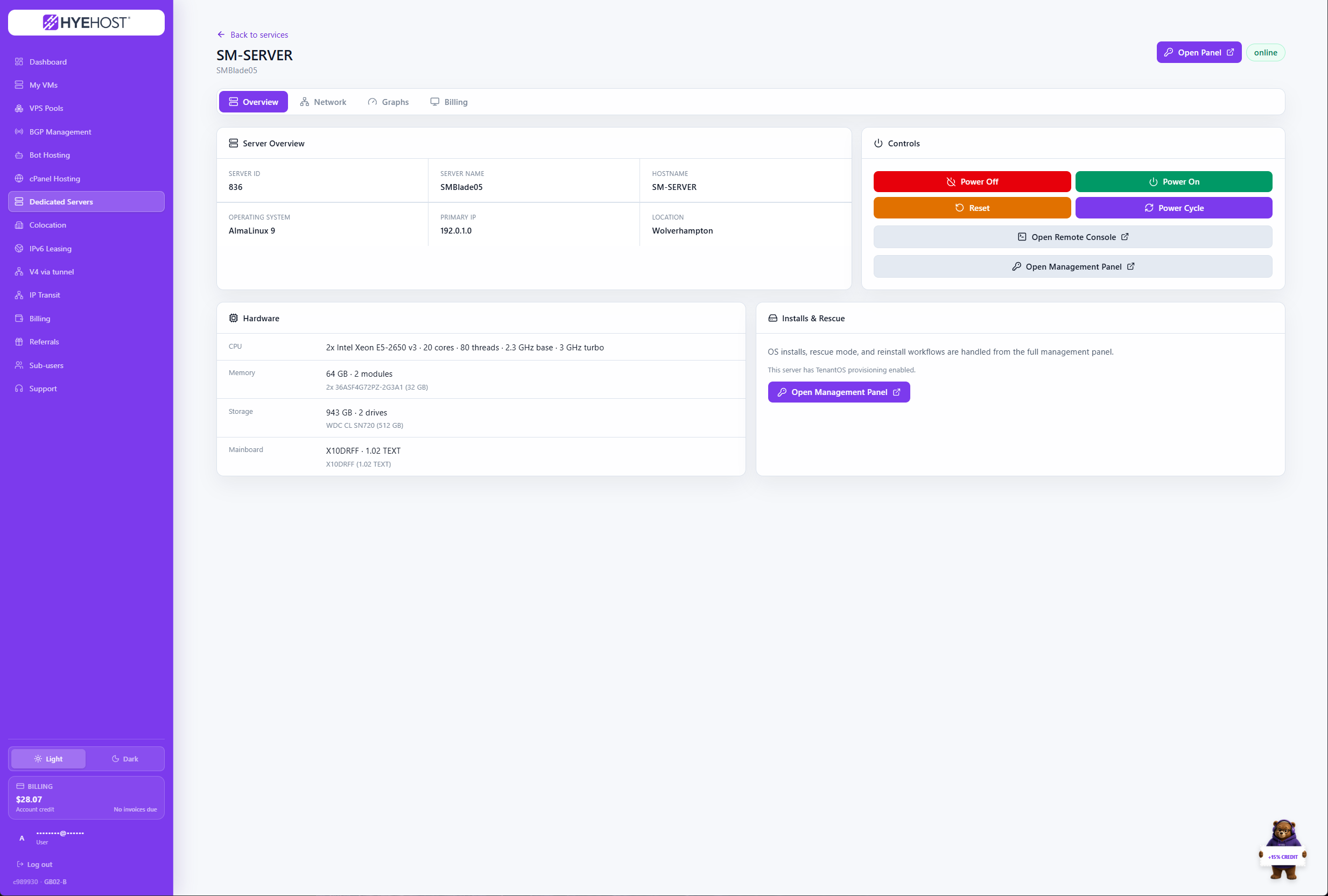
Review hardware, networking and remote-management details from one service view.
Explore Dedicated Servers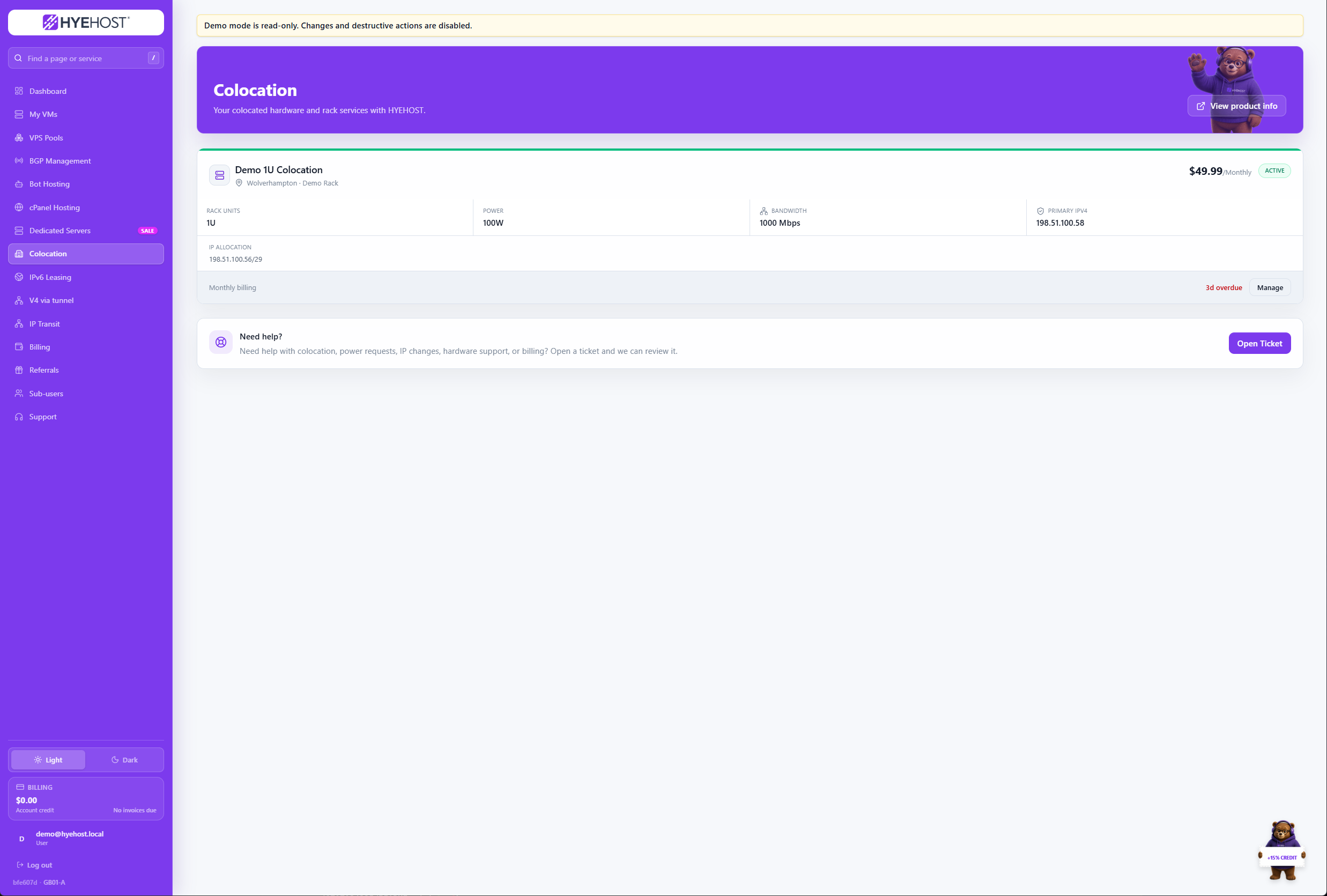
Keep service, billing and support details connected to your deployed hardware.
Explore Colocation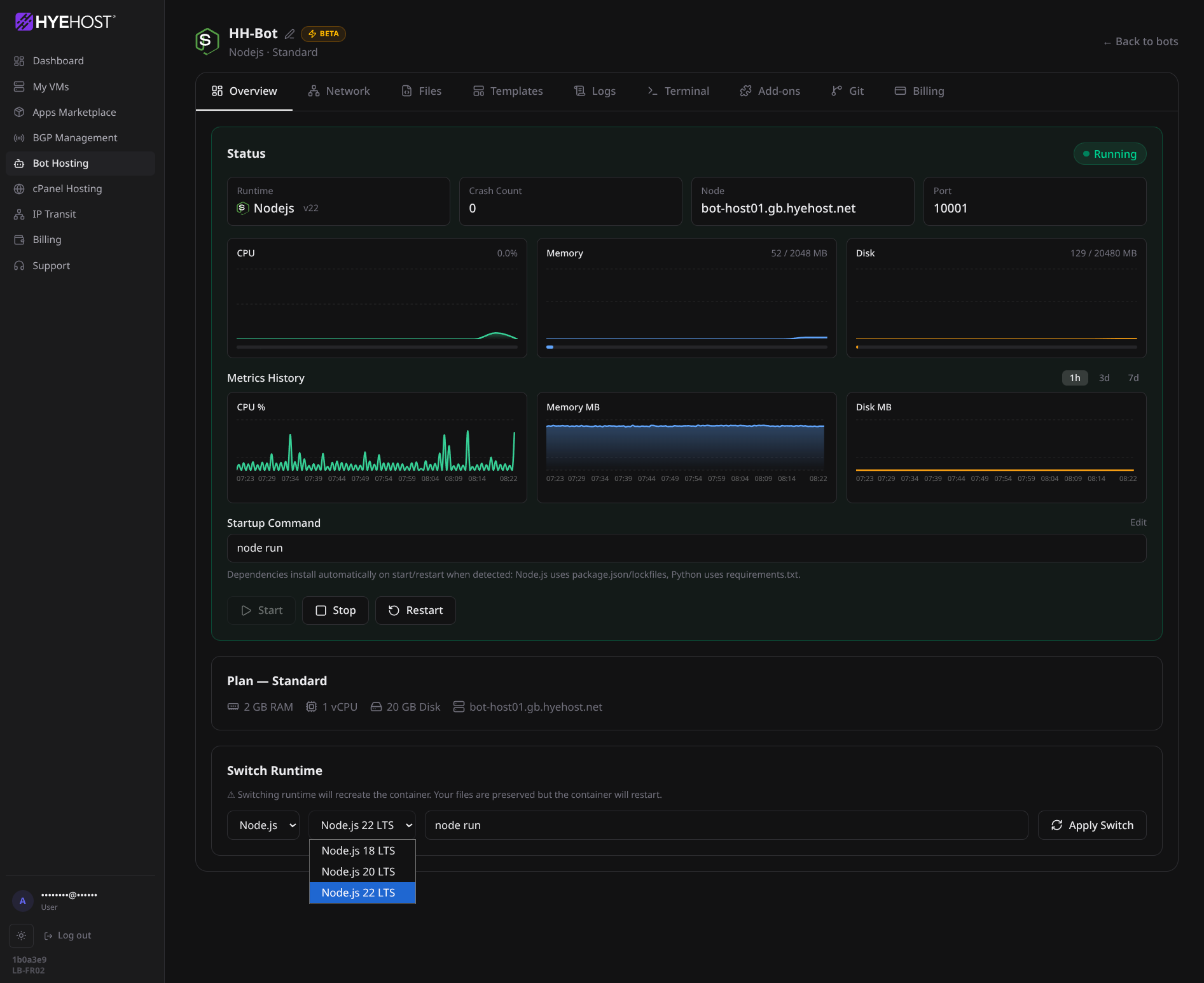
Deploy supported applications quickly and control them from the same platform.
Explore Bot HostingManage the HYEHOST service and billing layer, then open DirectAdmin for day-to-day website and reseller operations.
Access hosting services, renewals and DirectAdmin from one account.
Explore Shared HostingKeep reseller plans, billing and DirectAdmin access close together.
Explore Reseller HostingHandle team access, invoices, referrals and support alongside the services they relate to.
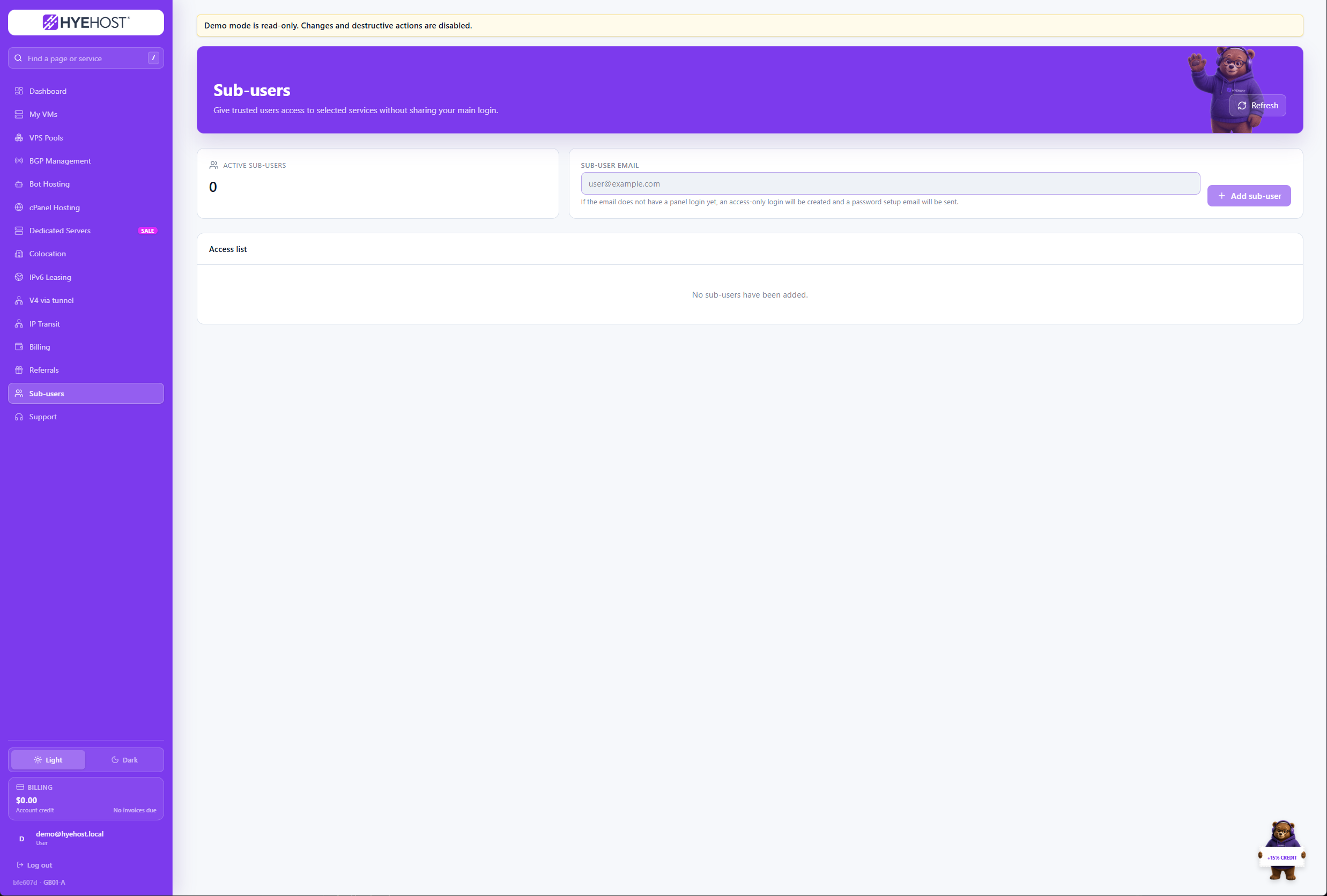
Invite additional users and keep account access organised.
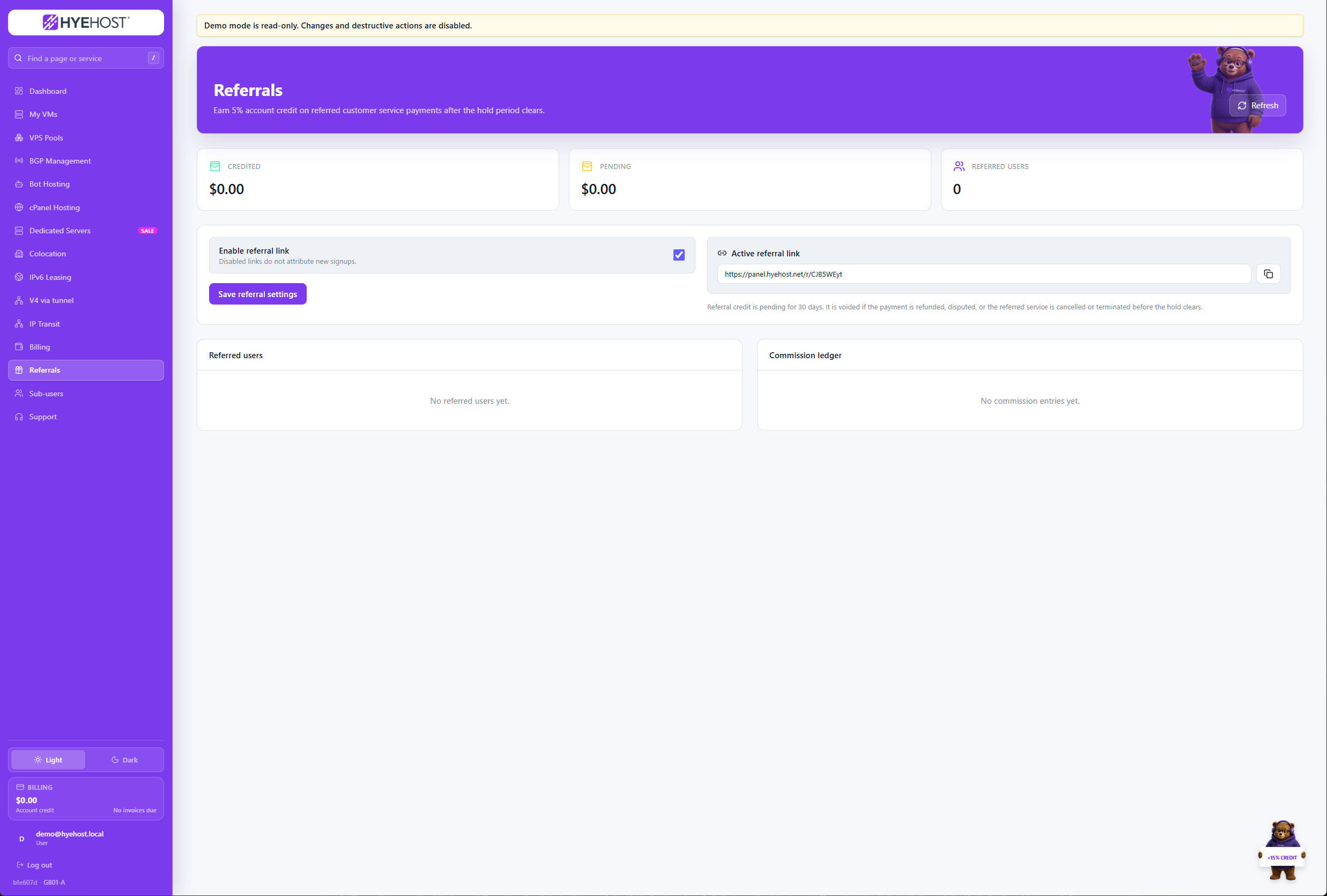
Track referrals and account rewards without a separate portal.
Recovery, security, billing and support use the same compact workflow cards as the rest of the panel page.
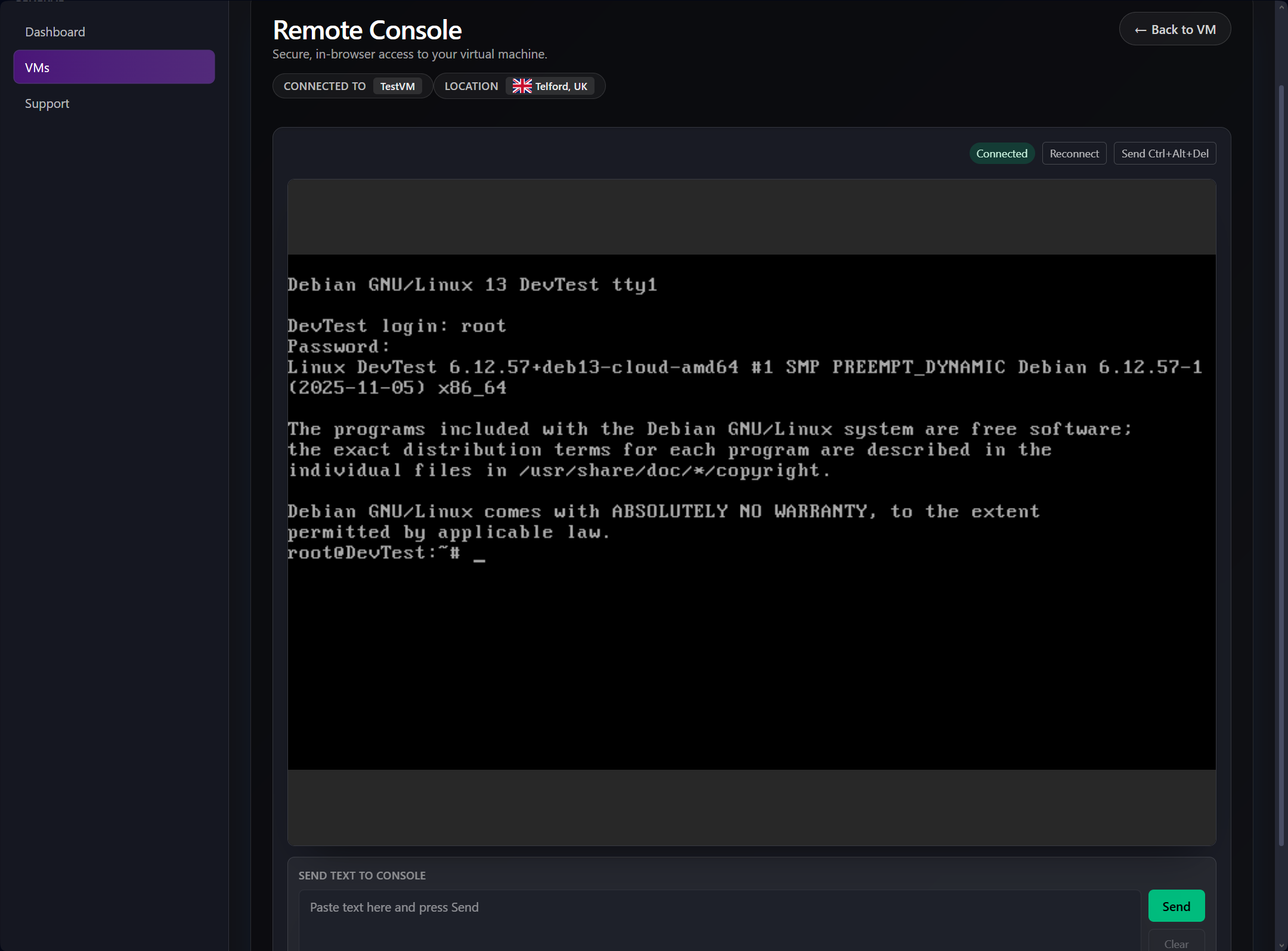
Reach a VM directly when SSH or remote access is unavailable.
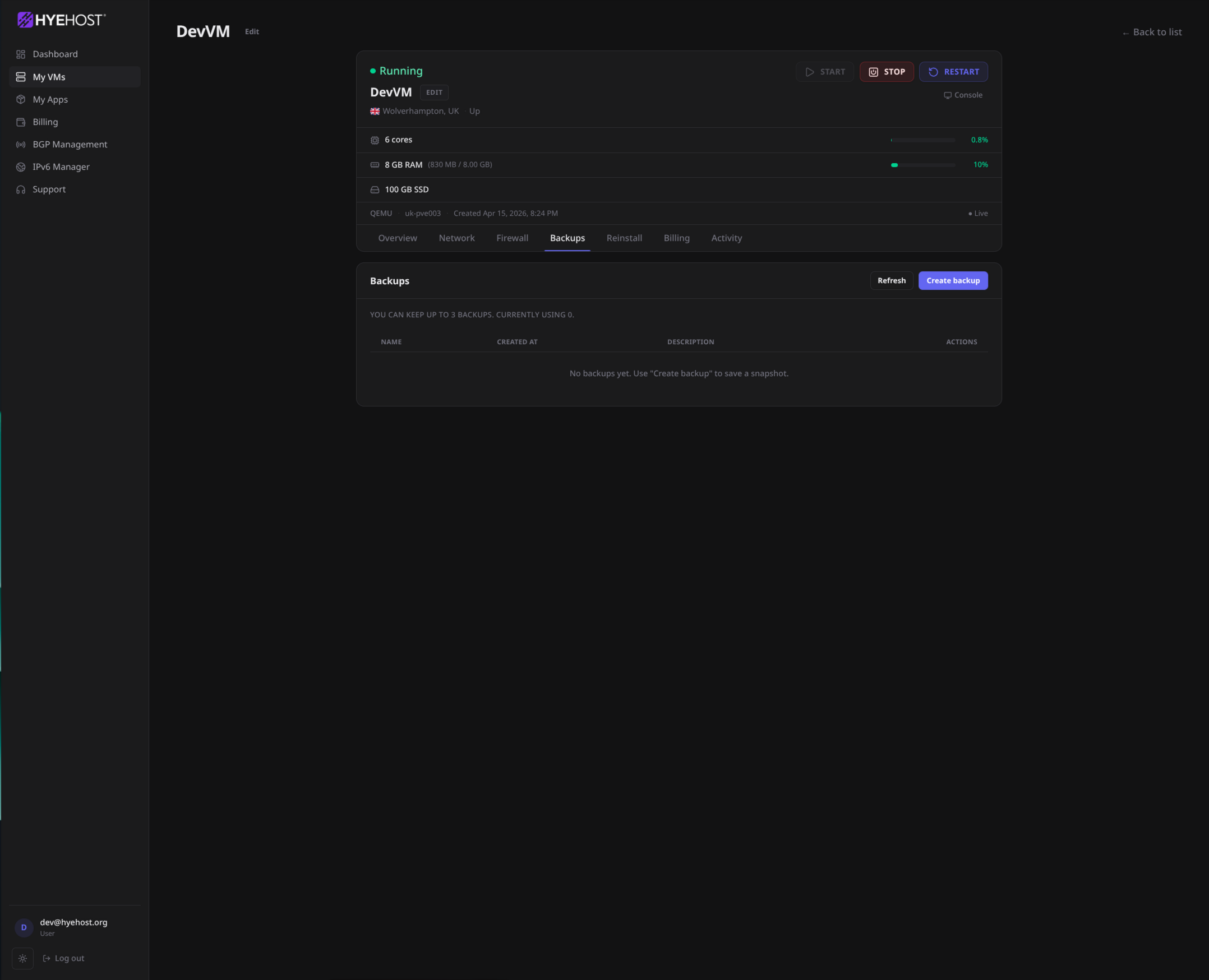
Create, review and restore VM backups from the service view.
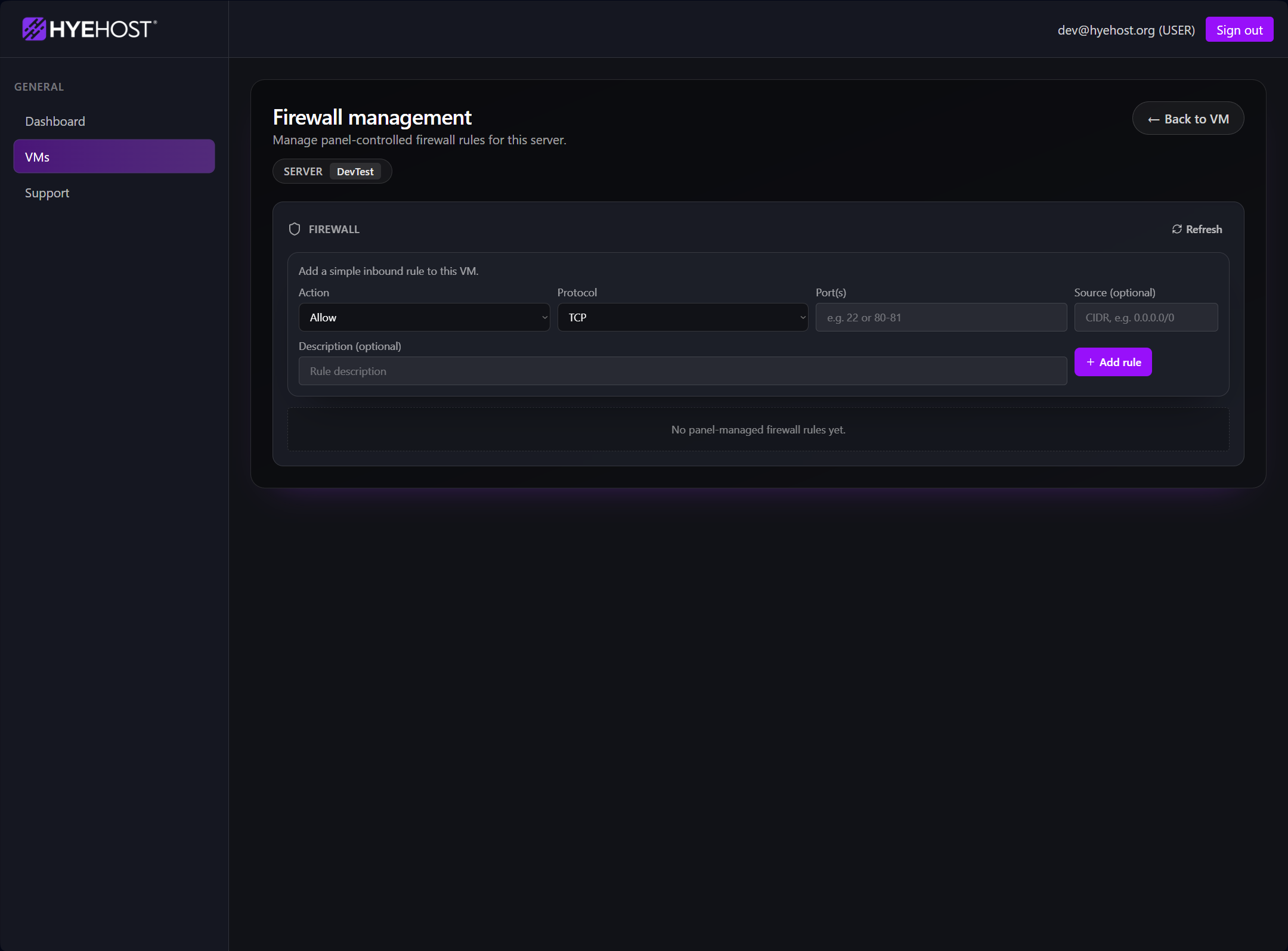
Apply service-level firewall rules without leaving the panel.
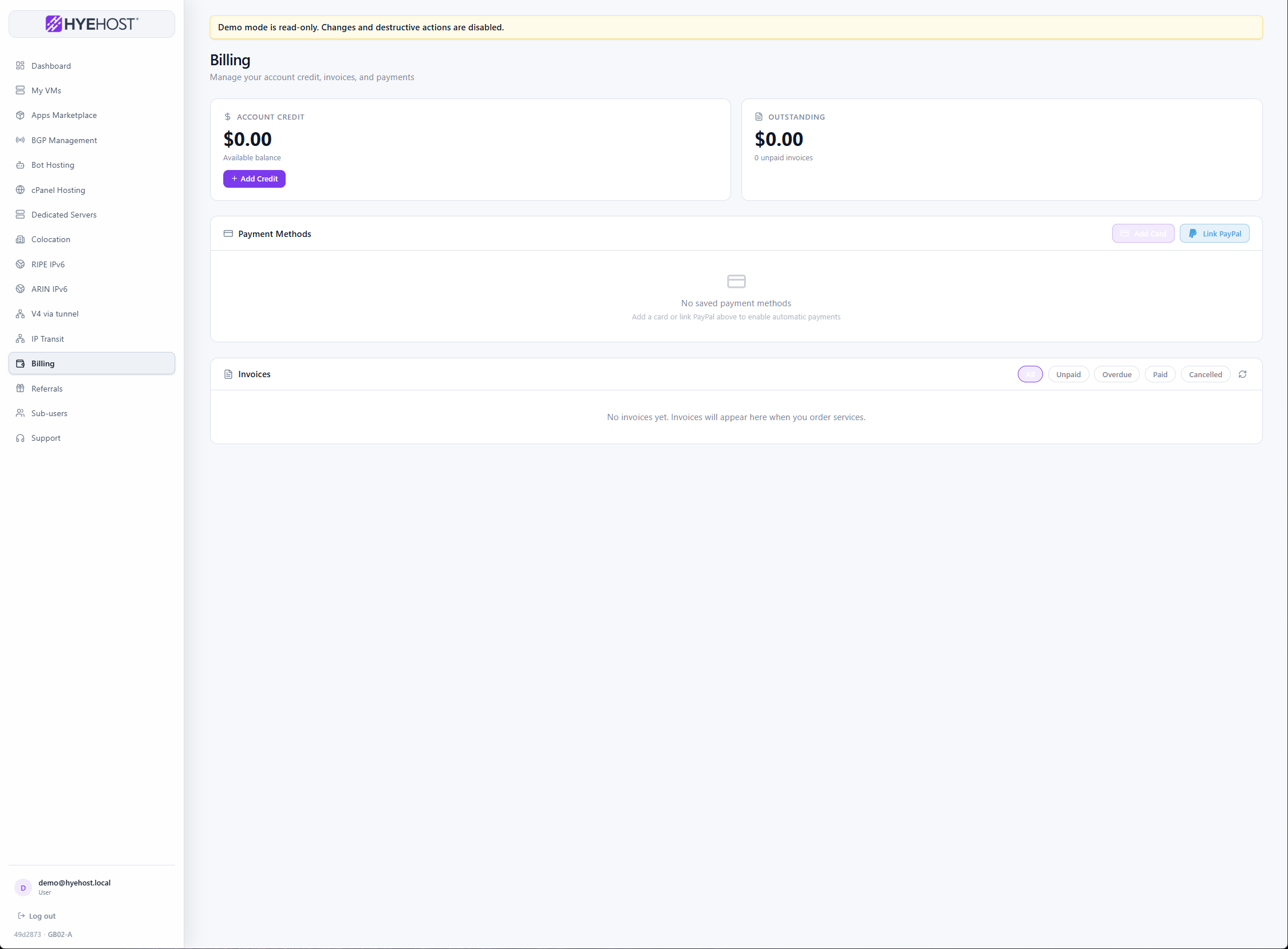
Review renewals, pay invoices and manage account credit in one place.
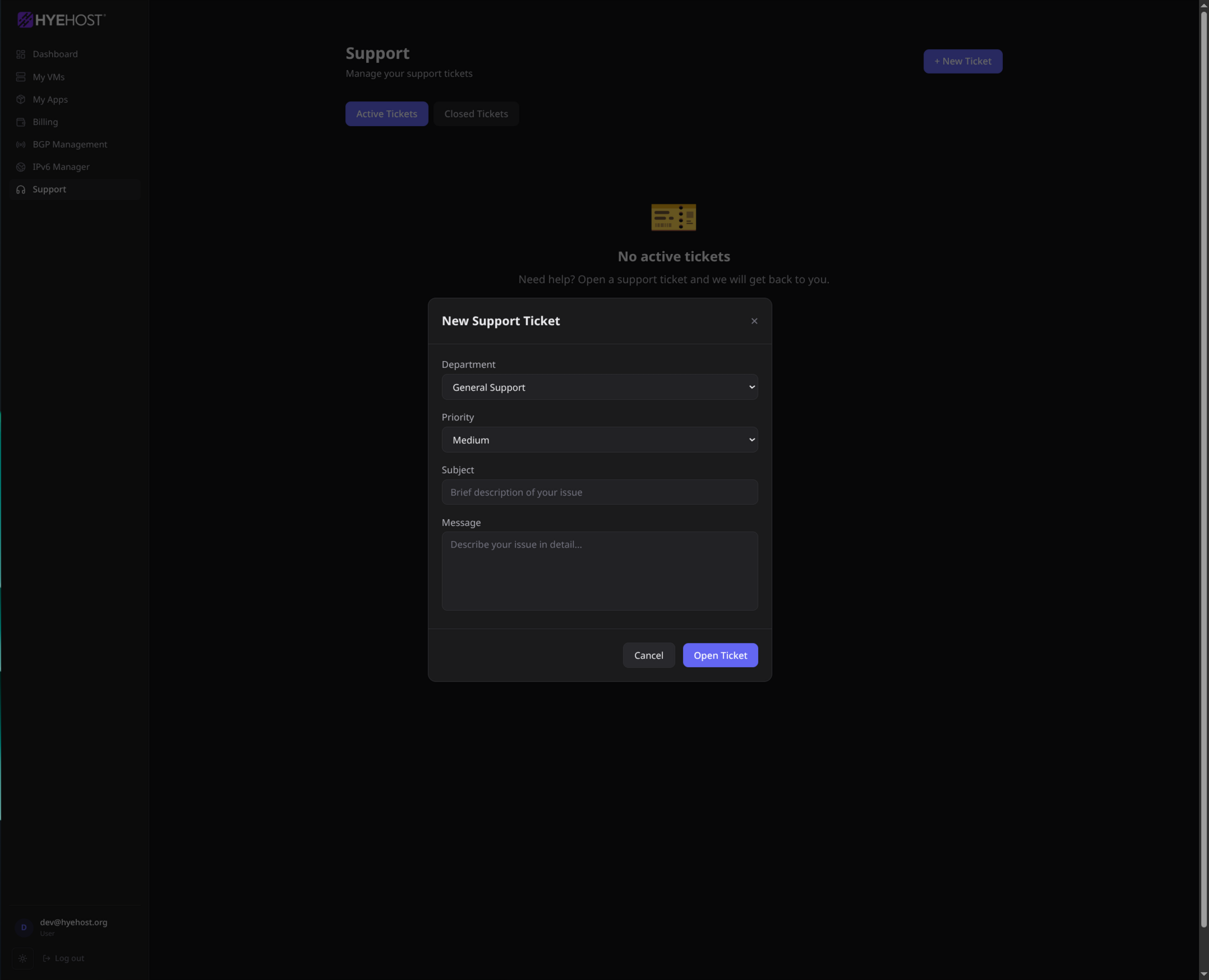
Open and track conversations with the engineers operating the platform.
Common infrastructure tasks stay close at hand, with service-specific controls for compute, networking, hosting and account operations.
All your VMs at a glance - live status, resource usage and quick actions in one view.
Browser-based console access with pop-out window support. No SSH client needed.
Fresh OS or full app stack in under 60 seconds. Pick your image, set a password, done.
Real-time CPU, RAM, disk and bandwidth graphs. Historical data always available.
Set per-VM firewall rules directly in the panel. No command line needed.
Boot into a rescue environment to recover data or fix a broken OS.
Reboot, shutdown, hard reset and force stop - all execute instantly.
Set rDNS records, view IPs and monitor bandwidth from the VM detail page.
Install supported operating systems and manage rebuilds from the panel.
View invoices, pay by Stripe checkout or PayPal, and manage account credit without leaving the panel.
Upload an ISO or paste a download URL to boot any OS directly from the panel.
Open and track support tickets without leaving the panel. Email notifications included.
Launch supported applications from a growing catalogue without building every deployment by hand.
Provision transit, IPv4 delivery and tunnel-backed network services from the same account.
View hardware, network assignments and remote-management details for bare-metal services.
Because the panel and infrastructure are developed together, new services can use the same account, billing, support and automation layer from day one.
Every page loads in under 200ms. We talk directly to the hypervisor layer - no middleware, no job queues between your click and the hardware.
No third-party panel dependency means a tighter attack surface. Session management, CSRF protection and rate limiting are all controlled in-house.
Each product gets controls that match the service, from VM recovery and dedicated access to routing records and tunnel delivery.
Requests go straight from the panel to our hypervisor API - no message queues, no polling loops. Management stays fast and responsive on its own dedicated infrastructure.
Because we own every line of code, bug fixes ship the same day. No waiting for a vendor's quarterly release cycle.
Sub-users, invoices, support and referrals sit alongside the infrastructure they relate to, without another disconnected portal.
Order a HYEHOST service and manage it from the same panel used for compute, network, hosting, billing and support.