
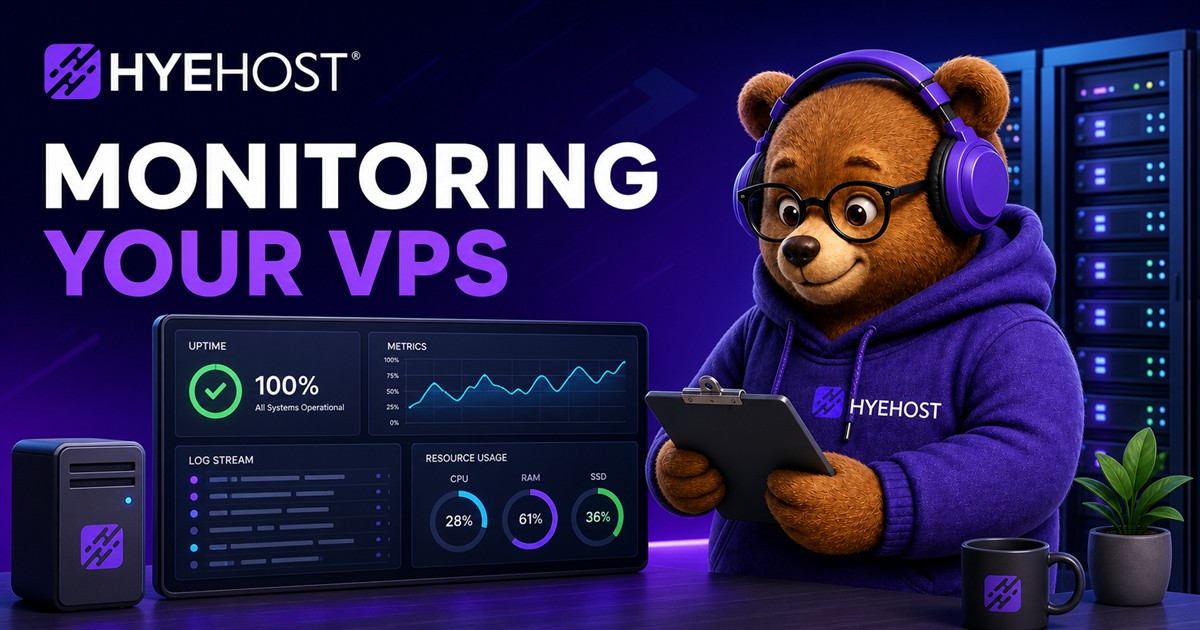
Monitoring a VPS does not need to start with a complicated observability stack. For most small services, the first goal is simple: know when the service is down, know when resources are running out and keep enough logs to understand what changed.
Start with external uptime
External uptime checks tell you whether users can reach the service from outside the server. Check the real hostname over HTTPS, not just ping. A server can respond to ping while the app, database or reverse proxy is broken.
Watch the resources that create outages
- Disk usage, especially uploads, logs, backups and Docker volumes.
- Memory usage and swap activity.
- CPU load for workers, builds, bots and background jobs.
- Certificate expiry and failed renewals.
- Database size, backup completion and queue depth.
Use HYEHOST panel data as a starting point
The HYEHOST panel gives you the service-level view: power state, console access, rebuild/rescue actions and the account record for the VPS. Inside the server, add app-level monitoring so you can see whether the actual workload is healthy, not only whether the VM exists.
Logs should be useful, not infinite
Keep logs in predictable places and rotate them before they fill the disk. For small VPS setups, clear log paths and a few good alerts are often more useful than a huge dashboard nobody checks.