
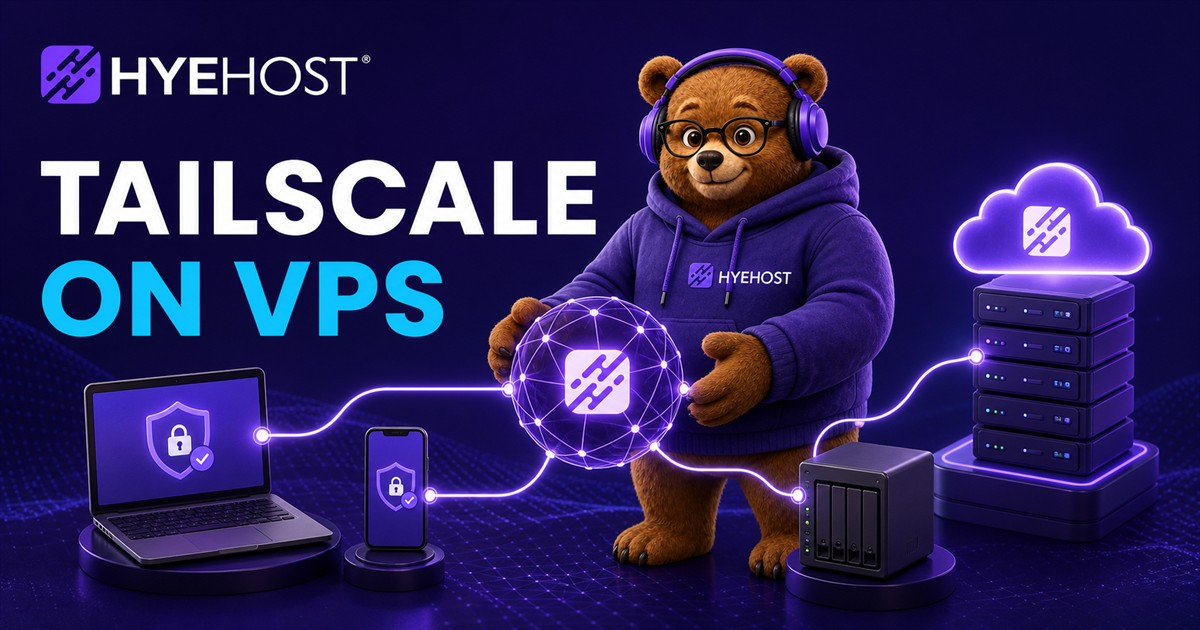
Tailscale is useful when you want private access to a VPS without exposing every admin panel, database tool or internal dashboard to the public internet. It uses WireGuard under the hood and gives you a mesh-style private network between your devices and servers.
What Tailscale is good for on a VPS
- SSH access without leaving port 22 open to the world.
- Private dashboards for monitoring, automation or app administration.
- Database access from your laptop without publishing the database port.
- Subnet routing when a VPS needs to act as a gateway to other private services.
- Small team access where device-level identity matters more than a shared password.
A practical HYEHOST setup
Deploy a Cloud VPS, install Tailscale, authenticate it to your tailnet and then decide which services should bind publicly and which should bind privately. Public websites can sit behind Nginx and HTTPS. Admin tools should listen on localhost or the Tailscale address whenever possible.
Firewall rules still matter
Tailscale does not remove the need for firewall thinking. It gives you a private path, but you should still close public ports that do not need to be public. Keep the HYEHOST firewall and the operating system firewall aligned so the public internet sees only what it should.
Keep a recovery path
Before you make Tailscale your main access method, confirm it starts after reboot and keep HYEHOST panel console access in mind. If you break firewall rules or routing, console access is what gets you back into the server.