
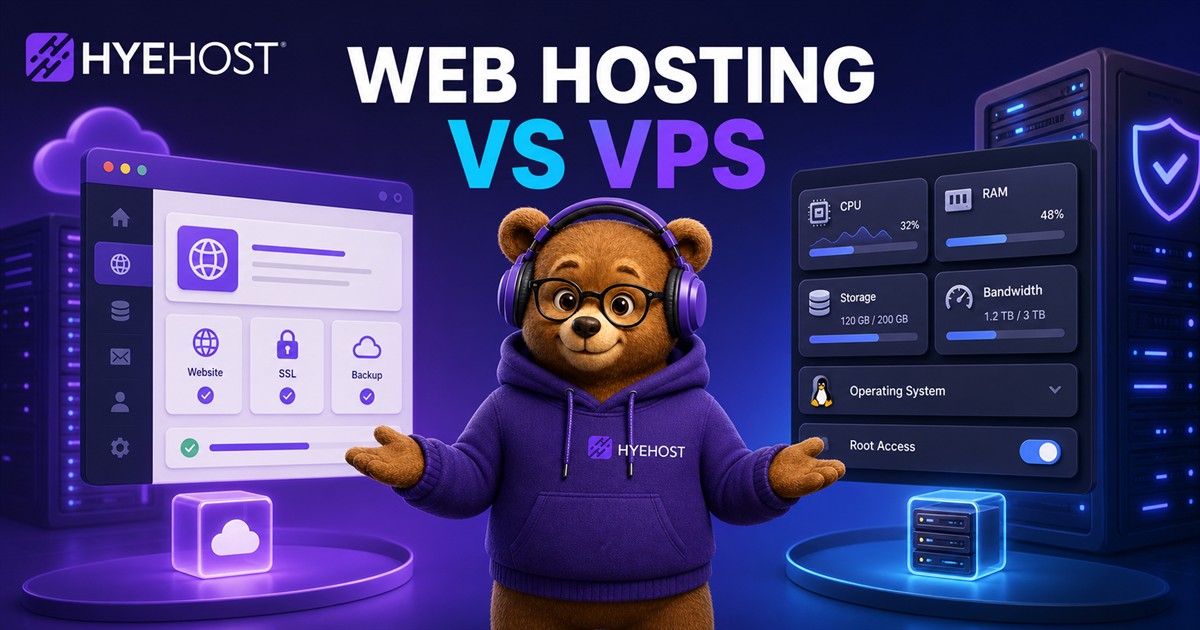
Every website needs hosting. Whether you are launching a business site, portfolio, blog, online store, customer portal, SaaS project or agency landing page, the hosting you choose affects speed, reliability, security, email deliverability, search visibility and how much control you have as the site grows.
In 2026, hosting choices can feel more crowded than ever: shared hosting, DirectAdmin hosting, budget hosting, reseller hosting, VPS hosting, cloud hosting, dedicated servers, website builders and managed WordPress. The right answer is not always the most expensive one. It is the setup that matches your workload, skill level and growth path.
This guide explains the practical differences between common hosting types, when to use each one, how hosting affects SEO, and how to choose between HYEHOST web hosting and running your own website on a VPS.
Quick answer: which hosting should you choose?
Choose shared or DirectAdmin web hosting if you want the easiest way to host WordPress, a business website, blog, small ecommerce store or portfolio without managing Linux services yourself. You get domains, email, databases, SSL and files in a familiar control panel.
Choose reseller hosting if you manage websites for clients and want separate accounts under your own brand without building the full hosting stack yourself.
Choose a VPS if you need root access, custom software, Docker, Node.js, Python, APIs, background workers, advanced caching, private networking, custom ports or deeper server tuning.
Choose a VDS or dedicated server if you need stronger isolation, predictable resources, heavier databases, high-traffic ecommerce workloads or multiple production services.
What is web hosting?
Web hosting stores your website files and makes them available online. A site may include HTML, CSS, JavaScript, images, videos, application code, databases and email-related services. Hosting connects all of that to the internet so visitors can load your domain.
Most website owners do not want to manage the entire server manually. That is why shared hosting and DirectAdmin hosting remain popular: they give users a control panel for everyday tasks such as domain management, file uploads, databases, email accounts, SSL certificates, backups, cron jobs and WordPress installation.
What is DirectAdmin hosting?
DirectAdmin hosting is web hosting built around the DirectAdmin control panel. It is useful for WordPress websites, business sites, simple ecommerce stores, agency-managed projects and users who want email and website management together.
The upside is convenience. The tradeoff is that DirectAdmin licensing and managed hosting operations add cost. For many customers that cost is worthwhile because it avoids the time and risk of managing a server manually.
What is budget web hosting?
Budget web hosting is designed for users who want affordable website hosting without paying for a heavier commercial control panel stack. It can be a strong option for starter websites, lightweight WordPress installs, personal projects, landing pages and small business pages.
If cost matters more than advanced panel features, a simpler web hosting plan can make sense. If you want maximum ease, DirectAdmin remains the more polished route.
What is reseller hosting?
Reseller hosting lets agencies, freelancers, IT consultants and developers create separate hosting accounts for customers. Instead of putting every client website into one shared account, each client can have its own account, limits and login.
That improves organization, billing, isolation and support workflows while avoiding the responsibility of running your own hosting infrastructure from scratch.
What is VPS hosting?
A VPS, or virtual private server, gives you your own virtual server with dedicated resources from a larger physical machine. Unlike shared hosting, you usually get root access and can install the software you want.
A VPS can run NGINX, Apache, Caddy, OpenLiteSpeed, WordPress with custom caching, Node.js apps, Python services, Laravel, Docker containers, APIs, databases, Redis, queues, monitoring tools and custom control panels. The tradeoff is responsibility: you manage updates, firewall rules, backups, web server configuration and deployment unless you use a managed service.
Shared hosting vs VPS hosting
Shared hosting is like renting a room in a managed building. The provider handles the building, utilities and shared systems. You manage your own room. VPS hosting is like renting your own small building. You have more control, but you also have more responsibility.
Shared hosting advantages
- Easier for beginners.
- Lower maintenance.
- Usually includes email hosting.
- Control panel included.
- Good for WordPress and business sites.
- Faster to launch.
- Provider manages the underlying hosting stack.
Shared hosting disadvantages
- Less control.
- Shared resources.
- Limited custom software.
- Not ideal for unusual applications.
- Performance depends on plan limits and server load.
- Harder to tune deeply for high-traffic workloads.
VPS advantages
- Full control and root access.
- Better isolation.
- Custom software support.
- Good for developers.
- Can run multiple services.
- Better for APIs, apps and advanced caching.
- Can be tuned for performance.
- Easier to scale into complex infrastructure.
VPS disadvantages
- Requires server administration.
- You must secure it properly.
- Email hosting is more work.
- Misconfiguration can hurt uptime and SEO.
- Backups and updates are your responsibility.
How hosting affects SEO
Hosting does not magically rank a website by itself, but it affects technical SEO. Search engines care about user experience, crawlability, speed, uptime, mobile usability and security. Hosting directly influences several of those areas.
1. Site speed
Fast websites are better for users and conversions. Hosting affects speed through CPU performance, storage speed, network latency, server location, database performance, caching support, resource limits and web server configuration.
For a small WordPress website, good shared hosting with caching can be enough. For a busier site, a VPS with Redis, object caching, full-page caching and tuned PHP workers can perform better.
2. Uptime and crawl reliability
If your website is down, search engines and visitors cannot access it. Repeated downtime, slow database responses, frequent 500 errors, firewall misconfigurations and overloaded hosting can reduce crawl quality.
3. SSL and HTTPS
HTTPS is expected for modern websites. DirectAdmin hosting usually makes SSL simple. On a VPS, you can use Let's Encrypt with Caddy, Certbot or another ACME client.
4. Server location and latency
If most visitors are in the UK or Europe, hosting closer to them can improve latency. If your audience is global, a CDN can help serve static assets closer to visitors.
5. Clean IP reputation
For email and some security systems, IP reputation matters. Shared hosting can be affected by other users if email is not controlled properly. VPS users have more control, but also more responsibility to configure mail correctly.
WordPress hosting: shared hosting or VPS?
WordPress can run well on either shared hosting or a VPS. Use shared or DirectAdmin hosting if you want easy installation, email, file management, database tools and low maintenance for small to medium traffic.
Use a VPS if you want custom NGINX or Caddy configuration, Redis object cache, WooCommerce tuning, custom cron handling, staging deployments or full control over PHP workers and database tuning.
Running your own website on a VPS
Hosting a website on a VPS is powerful, but it needs a correct base: Linux, a web server, PHP if required, a database, firewall rules, SSL certificates, backups, monitoring and updates.
A simple VPS website stack could use Debian or Ubuntu, Caddy for automatic HTTPS, PHP-FPM, MariaDB, Redis, UFW or nftables, Restic or Borg backups, and a CDN for static caching and DDoS filtering.
VPS security checklist for websites
- Use SSH keys instead of password login.
- Disable root password login where practical.
- Keep the OS updated.
- Install only the packages you need.
- Use a firewall.
- Keep database ports private.
- Use strong database passwords.
- Keep WordPress, plugins and themes updated.
- Run backups.
- Monitor disk usage and logs.
- Use separate users for different websites where possible.
Website performance checklist
- Use a lightweight theme.
- Compress images.
- Use WebP or AVIF where supported.
- Enable page caching.
- Use object caching for WordPress.
- Avoid too many third-party scripts.
- Use a CDN for static assets.
- Keep database tables optimized.
- Use a modern PHP version where compatible.
- Upgrade resources before performance becomes a recurring problem.
When to upgrade from shared hosting to VPS
Upgrade when your site regularly hits resource limits, admin pages are slow, WooCommerce checkout is slow, you need custom server software, you need better caching, or you want more control over PHP, databases, web server settings, APIs or background workers.
Do not upgrade just because a VPS sounds more powerful. If you do not want to manage a server, high-quality shared or DirectAdmin hosting can be the better business decision.
Hosting for agencies and freelancers
If you manage websites for clients, reseller hosting is best when you want separate client accounts and simple management. A VPS with a control panel fits technical agencies that want more flexibility. A dedicated server fits high-volume agencies or hosting providers that need predictable resources.
How HYEHOST fits different website hosting needs
DirectAdmin hosting is best for users who want easy website, email, SSL, database and file management. Reseller hosting fits agencies and freelancers managing multiple customer accounts.
Availability update: new shared, WordPress, reseller and free hosting orders are currently paused. The product pages remain available so you can review the platform and plan specifications while capacity is unavailable.
Free hosting can suit starter projects, while VPS hosting is better for developers and growing websites that need custom stacks, APIs, Laravel, Node.js, Python, Docker or advanced caching. VDS, dedicated servers and VPS Resource Pools cover heavier production workloads and multi-site projects.
SEO-friendly hosting: what to look for
If SEO matters, do not only look at price. Look for fast server response times, good uptime, SSL, backups, security controls, easy scaling, clean DNS management, modern PHP and database versions, CDN compatibility, server location close to your audience and reliable email or integration with a dedicated email provider.
Recommended hosting paths
- New small business website: start with DirectAdmin shared hosting or simple web hosting, then add SSL, caching and a lightweight theme.
- Growing WordPress site: start with DirectAdmin hosting, then move to a VPS when you need custom caching, more resources or deeper control.
- Ecommerce store: prioritize backups, SSL, uptime and checkout performance; choose higher-quality shared hosting, VDS or VPS depending on traffic and technical skill.
- Developer portfolio: simple web hosting is enough for static or WordPress pages; a VPS is better for demos, APIs or custom apps.
- Agencies: use reseller hosting for convenience or VPS Resource Pools, VDS and dedicated servers for more control.
- SaaS or web applications: use a VPS, VDS or dedicated server because you will need custom runtimes, databases, logs and deployment workflows.
Final thoughts
The best web hosting choice depends on what you are building. If you want a simple website, DirectAdmin hosting or shared hosting is usually the fastest path. If you are a developer or need custom software, a VPS gives far more control. If you manage client websites, reseller hosting or VPS Resource Pools may be the better fit.
Good hosting should help your website load quickly, stay online, remain secure and scale without forcing a painful migration every time your project grows. HYEHOST gives you multiple paths so you can start simple and move up when you need more control.
Web hosting vs VPS FAQ
Is shared hosting still good in 2026?
Yes. Shared hosting is still a good choice for many small business websites, blogs, portfolios and WordPress sites. A VPS is better when you need more control, custom software or dedicated resources.
Is VPS hosting better for SEO?
VPS hosting can help SEO if it improves speed, uptime and reliability. However, a badly configured VPS can be worse than good shared hosting. SEO depends on the whole website experience, not just the hosting type.
Should I use DirectAdmin or a VPS?
Use DirectAdmin if you want easy website, email, SSL, database and file management. Use a VPS if you want root access and full control over the server stack.
Can I host WordPress on a VPS?
Yes. WordPress runs well on a VPS when configured properly with PHP, MariaDB or MySQL, SSL, caching and backups. It requires more server management than DirectAdmin hosting.
What is the cheapest way to host a website?
A simple shared or starter web hosting plan is usually the cheapest practical option. A VPS can also be low cost, but only if you are comfortable managing the server yourself.
Is reseller hosting worth it?
Reseller hosting is worth it for agencies, freelancers and developers who manage multiple client websites and want separate hosting accounts without running their own hosting infrastructure.
Further reading
These sources were used as supporting context for market direction, hosting categories and current hosting comparison language. They are included as citations, not as primary conversion links.